Diagnose furniture hidden by overlapping artwork
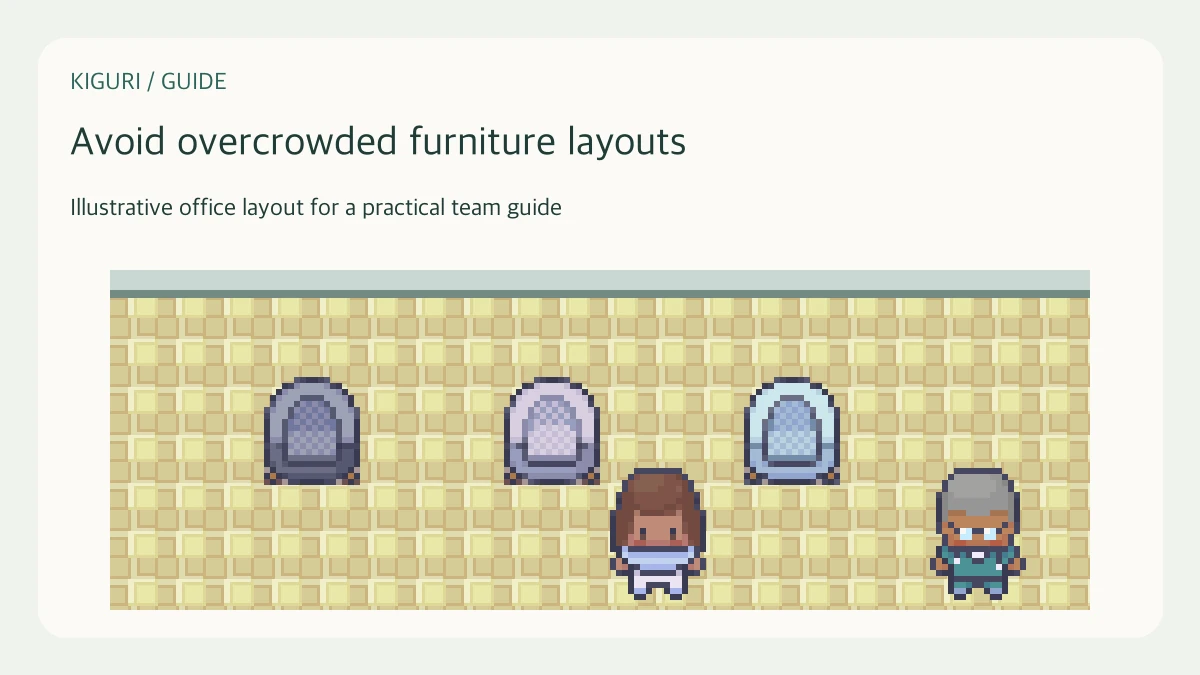
A character can reach a seat while a plant hides the seated pose. A passage can also look open while movement is blocked. These are different problems. Diagnose what the camera shows before treating every confusing arrangement as excess furniture. This method aims to restore a legible scene without blindly removing useful objects.
Capture the view where the problem occurs
Use the normal playable camera and reproduce the reported position. Note which part disappears: a bench cushion, a character, a picture's upper edge, or the opening behind a cabinet. Compare an approach view with the view after stopping. Keep surrounding objects in the screenshot. A tight crop can hide the tall plant whose artwork extends over the seat even though its base is beside it.
Separate missing artwork from blocked movement
Try the relevant movement or interaction without changing the map. If sitting succeeds but the body is obscured, investigate visibility. If the character cannot approach, record that as a movement problem requiring a separate check. Both can occur together. Do not infer the collision shape from transparent pixels or conclude that an object is broken solely because another object's artwork covers it.
Isolate the suspected obstruction
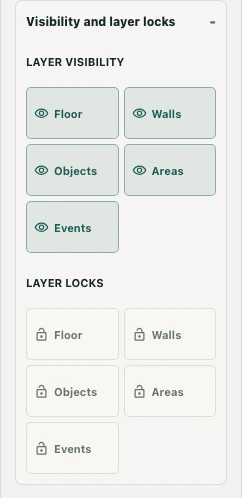
With authorized editor access, select the suspected object and inspect its complete bounds. Use available layer visibility controls to reduce unrelated content temporarily, then restore it. Hiding a layer is a diagnostic view, not deletion or proof that participants will see the same result. Where individual selection helps, identify the specific assembly or piece rather than moving the whole room to expose one missing edge.
Compare one controlled adjustment
Keep an appropriate recovery copy before editing. Move or adjust only the obstruction supported by your observation, then compare the original camera position. For example, shift the shrub away from the bench's visible seating area while preserving the garden boundary. Keep seat calibration separate from decorative placement. If the object itself is incomplete when unobscured, report its missing part rather than concealing it behind another prop.
Verify the full scene afterward
Restore the full editor view and return to normal play. Inspect approach, stopping point, and seated pose where relevant, including a smaller view. Confirm that the adjustment did not conceal a neighboring destination or change the needed movement route. Record the observation that justified the fix. A clearer screenshot is useful evidence, but the repaired scene should remain legible during the actual activity.