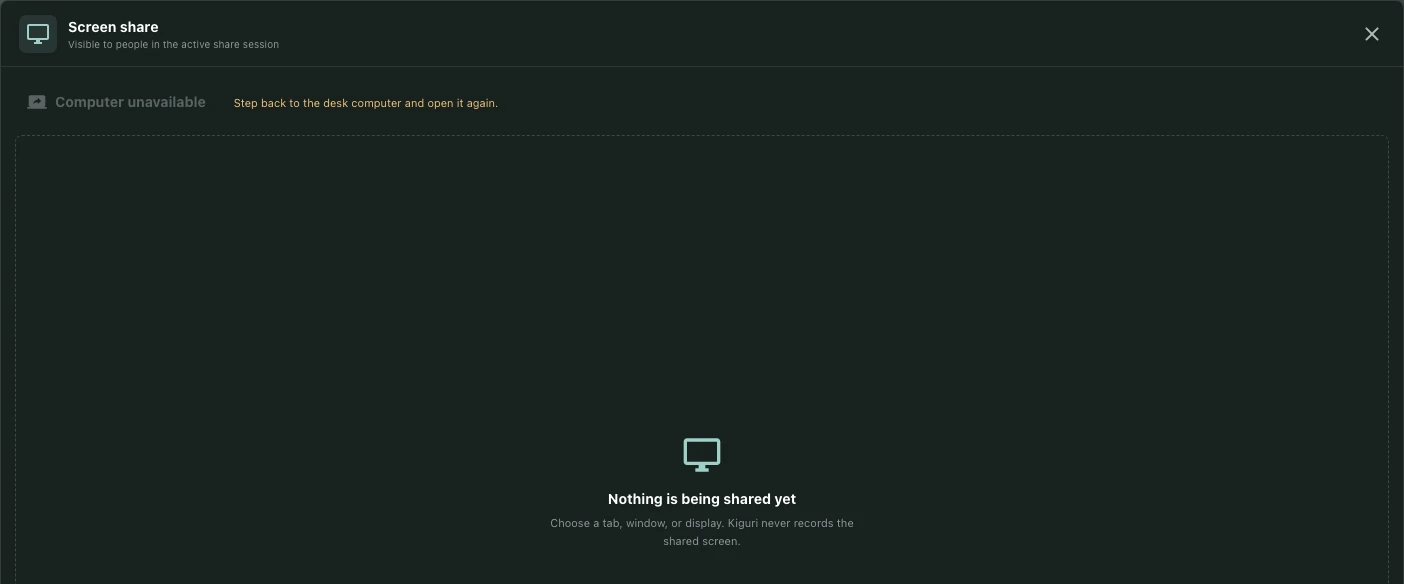
Rehearse a presentation for privacy and readability
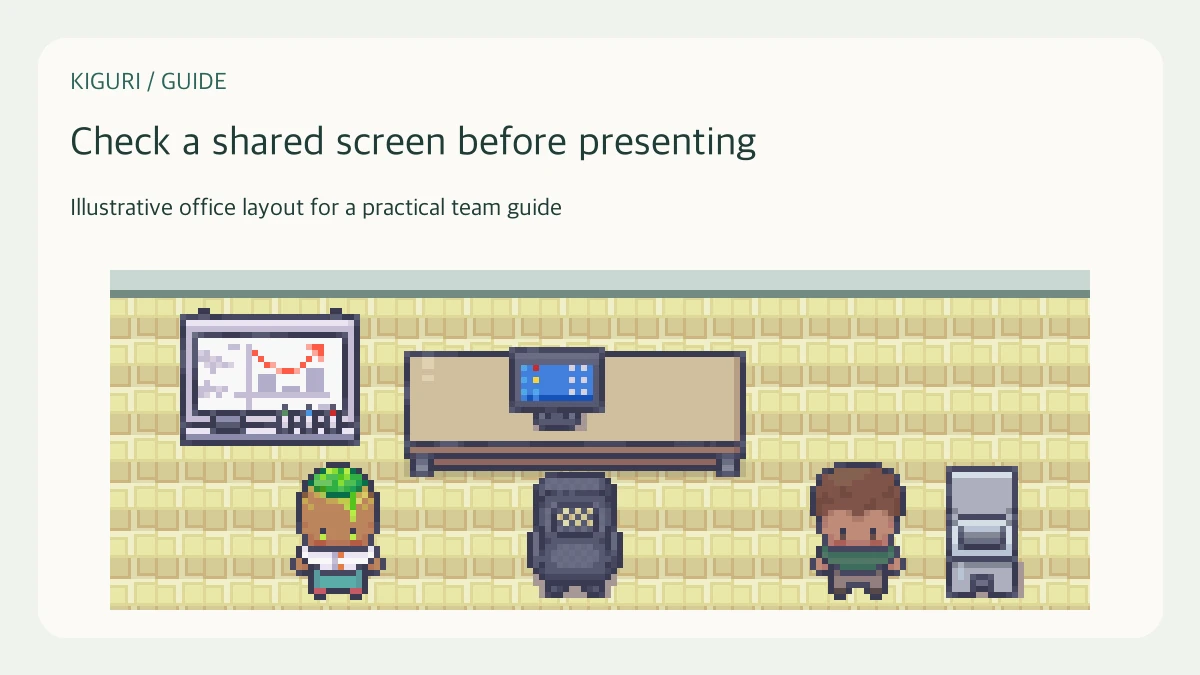
Name the information that should be visible
Before a live presentation, list the material the audience needs and the material it must not see. For example, a project review may require a mockup and an approved requirement list, while personal messages and unrelated customer records must stay outside the presentation. This is a presenter rehearsal, not an assumption that Kiguri automatically redacts a shared screen.
Confirm that the invited audience is permitted to see the intended document. Sharing a smaller source reduces exposure but does not correct inappropriate document access or confidential content already present in the selected window.
Rehearse the transitions, not just the first slide
Open each intended document in the order you will use it. Inspect what appears while switching tabs, scrolling, searching, or returning from a full-screen view. A clean title slide can still lead to an unintended sidebar, another document, or a browser suggestion during the discussion.
Close unrelated windows and pause avoidable notifications using controls available on your device. Do not treat those precautions as a guarantee that every alert is suppressed. Prepare a way to stop sharing immediately if something unexpected appears.
Ask a helper to read the important content
Where sharing is available, have a participant in the intended session read a heading and a representative line from the content. Ask whether a diagram's labels remain legible, not merely whether an image appears. Increase the source text size or simplify the slide when a smaller remote view makes details unreadable.
Choosing a narrow window can improve privacy but may make switching between tools awkward. A whole display can be easier to navigate but exposes more surfaces. Choose deliberately according to the presentation rather than assuming one source type is always safe or sufficient.
Prepare an interruption response
If unintended material appears, stop sharing before discussing what happened. Avoid repeating sensitive information aloud or copying it into the meeting notes. Follow your team's existing incident process if the disclosure warrants it; this guide does not establish a new reporting service.
Keep an approved document link or concise written explanation ready when live sharing is unsuitable. At the end of the rehearsal, note which transitions were tested and which still need adjustment. A successful first frame is only one check. The presentation should remain understandable and appropriately scoped throughout the actions you actually plan to take.