Check your office before a live session
Define the session before testing
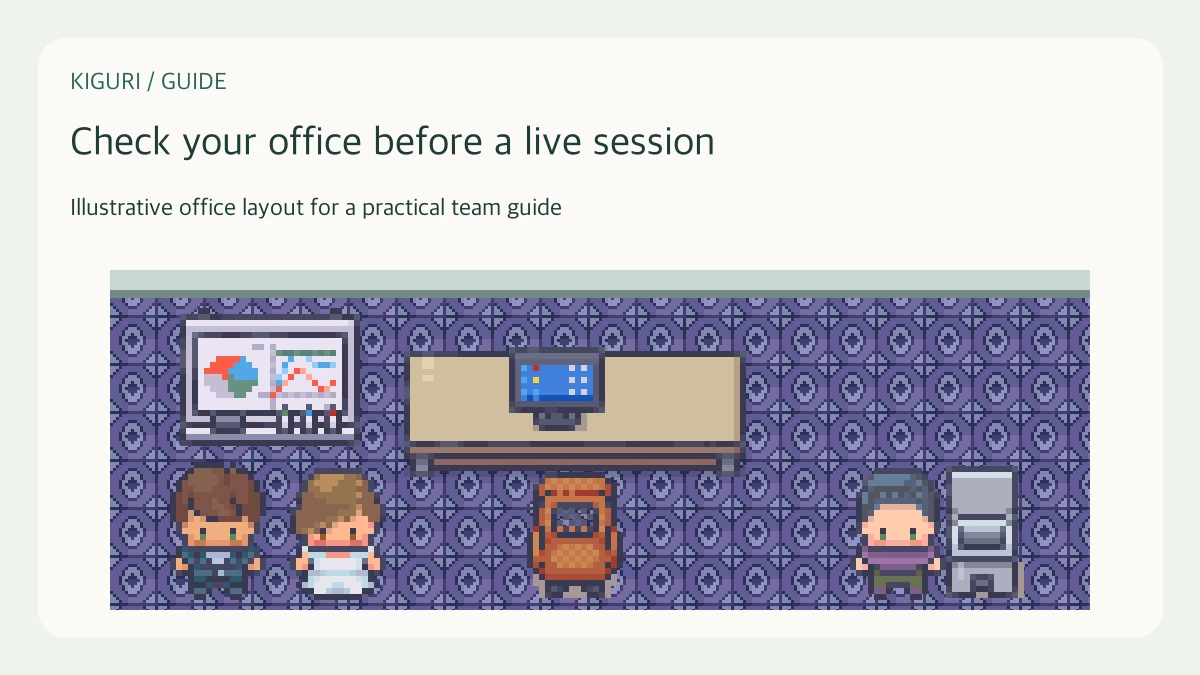
Write down what participants must actually do: arrive, find the meeting corner, read one instruction, and join a discussion. Test those actions rather than every decoration. For a fifteen-minute design review, the essential sequence might be entrance, presentation desk, then a nearby conversation space. This is a host preparation routine; it does not depend on an automatic office readiness score.
Walk from the real entrance
Enter through the same address and starting point you will give guests. Follow the route without editor tools or special shortcuts. Check whether furniture hides the destination and whether the return route is understandable. On a small screen, look for instructions covered by panels. A route that makes sense from your favorite editing position may be confusing from the participant arrival point.
Test only the required interactions
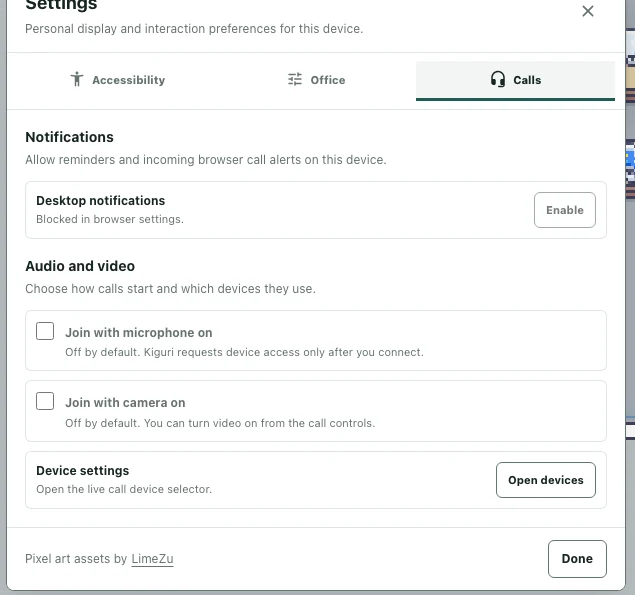
Approach the actual seat, whiteboard, or computer you plan to use and check its available interaction. A decorative picture does not establish that an object has a working function. Where screen sharing is available, inspect the session controls before the event. Do not treat a closed dialog or an attractive desk as evidence that participants can complete the intended action.
Arrange a fallback and a helper
Choose a simple alternative if an interaction is unavailable: describe the diagram in chat, use another accessible seat, or move everyone to a clearly named meeting point. Ask one teammate to try the route independently, with the same access participants will have. Give them the goal first, then watch where they hesitate. Avoid explaining every turn before they have had a chance to test it.
Finish with a small issue list
Record each problem as location, intended action, and observed result. Fix the issues that block the session before spending time on decorative changes. Repeat the complete arrival sequence after a layout adjustment, because moving one chair can obstruct another approach. If a helper still cannot reach the destination, simplify the route or change the meeting location before sending the invitation.