Design an office entrance that makes the next step obvious
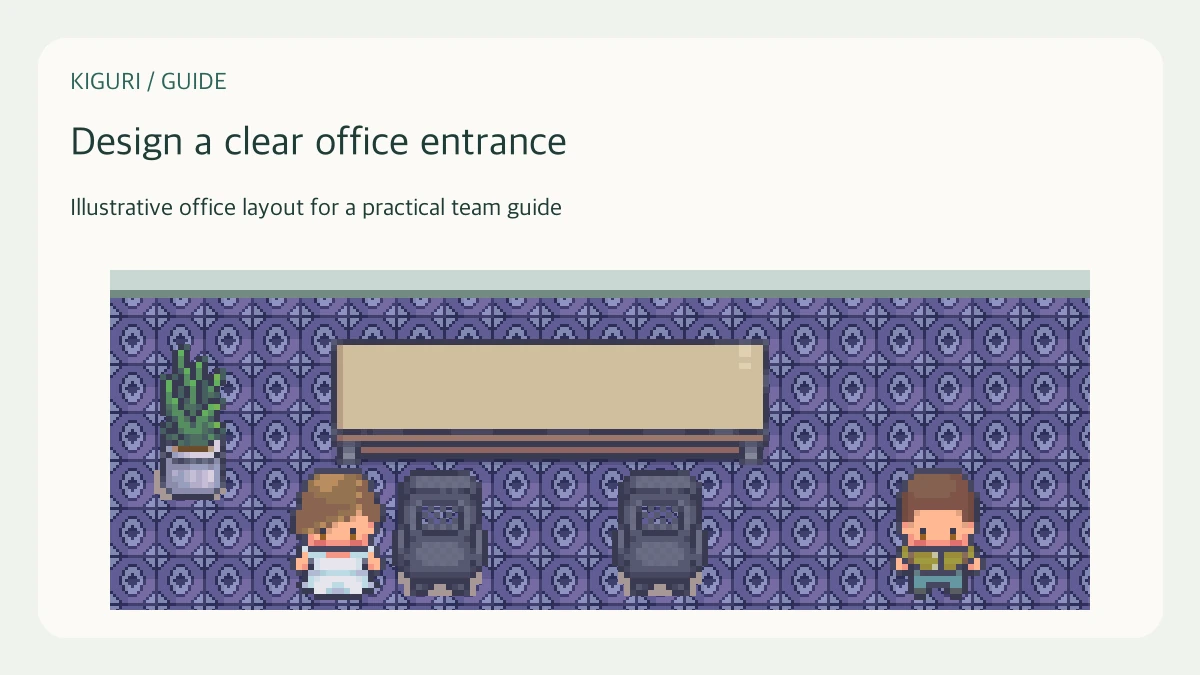
An office entrance has a practical job: help a visitor understand where to go next. For a virtual office, treat arrival as a small sequence rather than a decorative scene. The following layout practice works whether the destination is a meeting corner, a shared work area, or a garden.
Choose one first destination
Imagine a guest arriving for a project review. Decide whether the guest should first find the host, wait near reception, or go directly to a meeting area. Choose one primary destination for that visit. A desk, doorway, and lounge competing for attention can make the entrance harder to read, even when each object looks attractive on its own.
Leave room to orient
Keep the arrival area open enough for a character to pause and change direction. Place reception furniture beside the route rather than across it. Avoid positioning a large plant immediately in front of the expected approach. Look at the complete furniture shape, including tall backs and decorative tops; a visible gap is not proof that movement will fit.
Build a simple visual sequence
Use a small number of recognizable cues: an open landing, a reception desk to one side, then a distinct meeting corner farther along. Repeat enough of the floor style to connect these spaces. Save the strongest decorative accent for the destination. A bright object at every turn gives the visitor several competing directions instead of one useful sequence.
Test the return journey
Walk the route from arrival to the destination and then back again. Approach furniture from both sides, and check that no object hides the next turn. Test the playable view rather than relying only on the editor overview. A route that looks obvious from above can be confusing when the camera shows only a small part of the office.
Keep instructions concrete
When inviting someone, describe the route with objects they can actually recognize: pass reception, then turn toward the meeting table. Do not imply that a decorative sign, desk, or door performs an action unless you have checked its behavior. If a tester repeatedly stops at the wrong corner, move the competing object or simplify the route before adding more instructions.