Review office navigation on a small screen
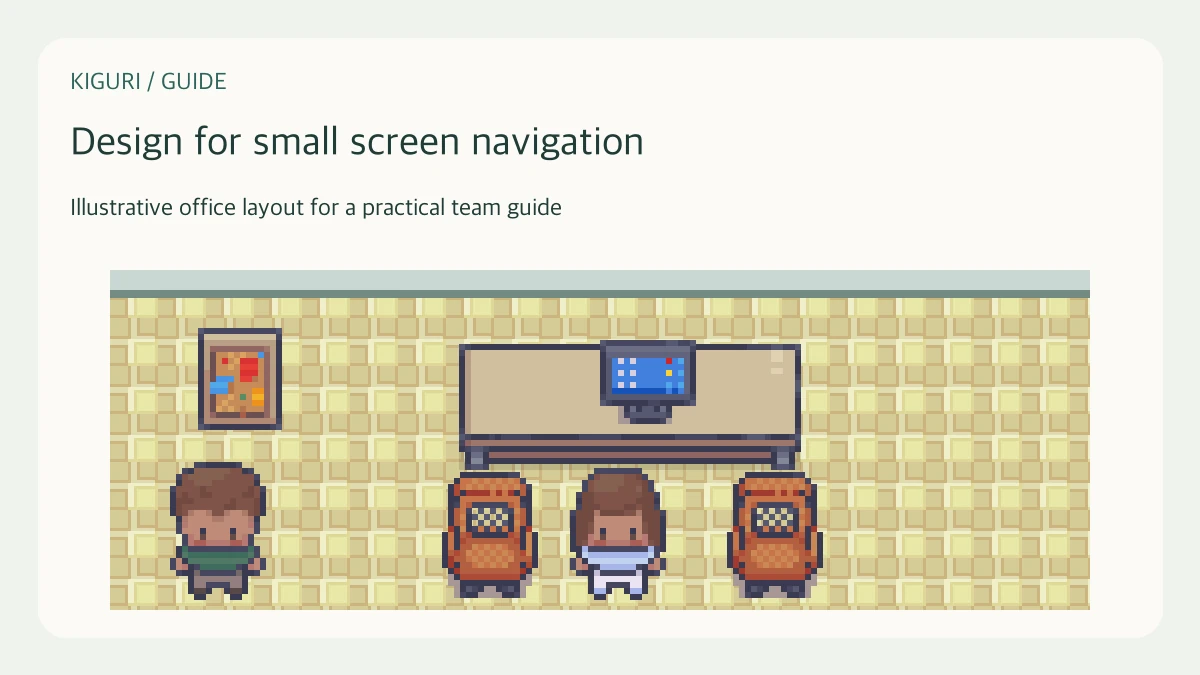
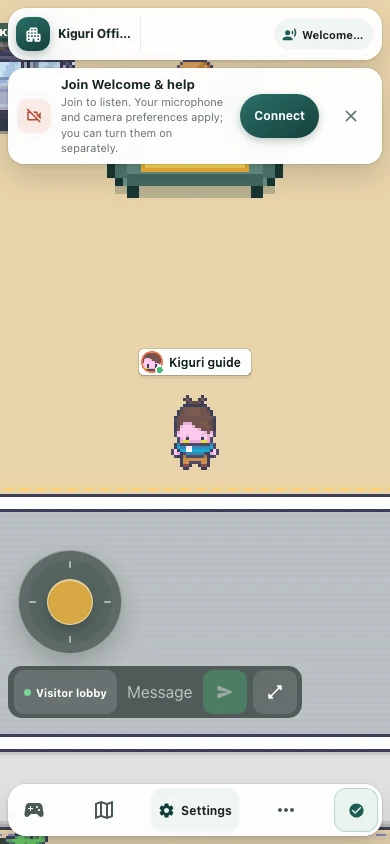
A map that reads clearly on a large screen can feel confusing when the camera shows less of it. Review the office on the actual smaller view you expect people to use. This is a practical layout check, not a promise that every device or accessibility need is automatically supported.
Choose a representative journey
Start with the route most visitors need: arrival to a meeting corner, or arrival to the work area. Use the playable view on a smaller browser window or the intended device. Avoid beginning with an editor overview that shows the whole map. The point is to discover what someone can understand from the portion of the office currently visible to them.
Inspect each turn locally
Pause before every change of direction. Check whether the next opening and a useful landmark are visible together. A destination across the map cannot guide a visitor when it is outside the camera view. If a junction looks ambiguous, simplify the furniture around it or move a recognizable object into view. Do not solve the problem by adding several tiny decorative markers.
Keep important shapes distinct
Complete desk, sofa, and doorway shapes are easier to interpret than clusters of overlapping fragments. Preserve separation between furniture and the walking surface. Tall plants can hide a route even when their placement point lies beside it. Look at what the screen actually renders while moving, including the ordinary interface, rather than assessing a clean promotional crop without those elements.
Use the relevant movement controls
Try the controls available on the device instead of assuming a desktop keyboard test covers touch movement. Test turning, stopping, and approaching the intended destination. If a route succeeds only with precise positioning, widen the approach or move the obstructing prop. Keep this review focused on layout; report a control problem separately rather than disguising it with decoration or route instructions.
Check recognition and return
Ask a tester to reach the destination, describe the landmark they used, and return to arrival. Compare their route with the one you intended. If they repeatedly walk toward a decorative corner, reduce that corner's visual emphasis. Preserve a few clear cues that work at normal scale. Avoid claiming universal usability from a single small-screen pass; record which view and journey you actually checked.