Diagnose why a seat feels wrong
Describe the symptom precisely
Separate three reports: the avatar cannot sit, the avatar sits in the wrong position, or the seated character looks covered by nearby art. Those symptoms can share a location but have different causes. For example, a bench beside a shrub might accept sitting correctly while foliage obscures the character. Record what happened before deciding that the entire furniture asset is incorrectly classified.
Approach in normal play
Leave editor mode and try the seat as a participant would. Move toward it from a clear direction, then repeat from another accessible side. Note whether the same interaction or sitting behavior occurs. Do not use an editor selection outline as the only test. A decorative chair and an object configured for sitting can look similar, so the actual result matters more than the furniture name.
Inspect the seated position
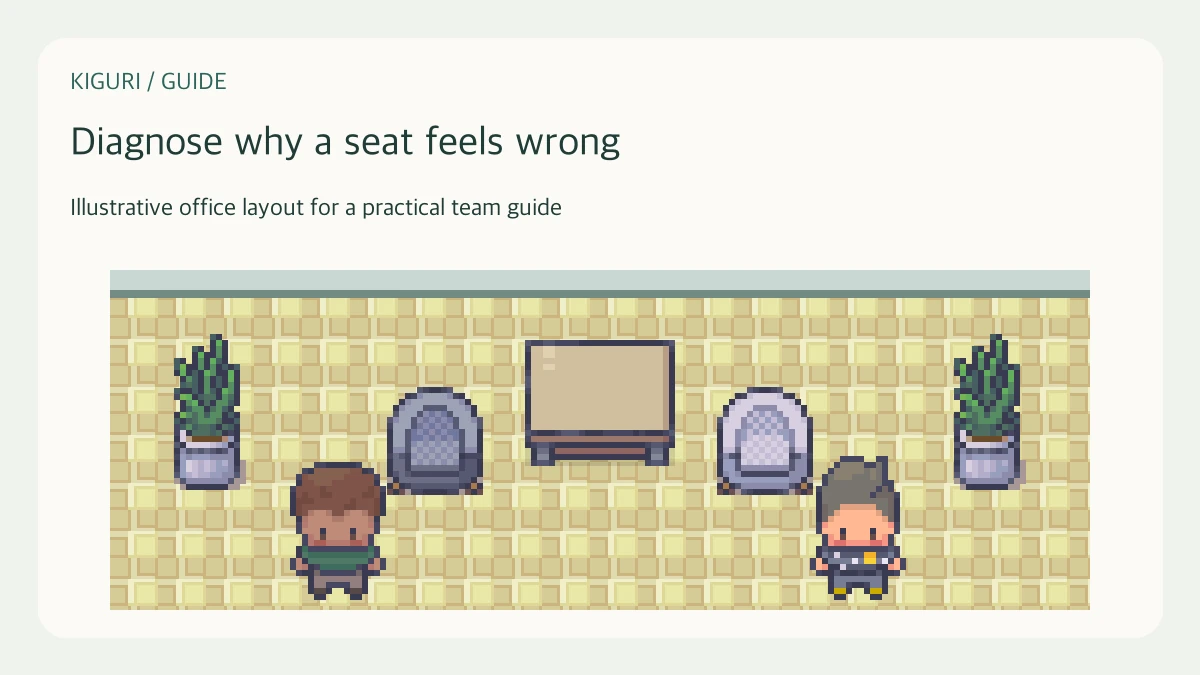
If sitting works, look at where the character lands relative to the cushion, backrest, and nearby desk. For a bench with multiple places, test the particular place named in the report rather than treating one successful position as proof for all of them. Capture the whole surrounding area, not only a close crop of the avatar. The wider view can reveal an overlapping plant or a blocked approach.
Change only the likely cause
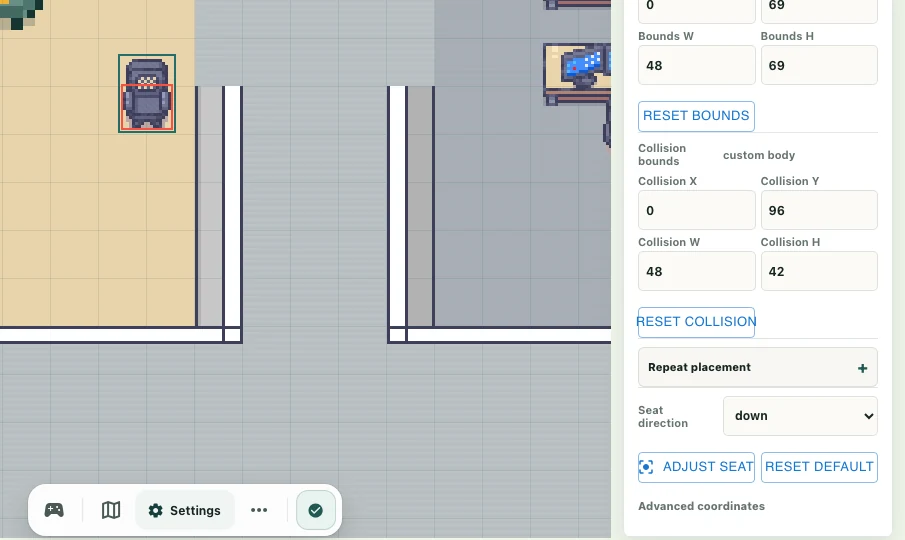
With appropriate editing permission, move an obstructing prop or review the configured seat and collision arrangement. Keep a recovery copy before changing the map. Do not compensate for an incorrect seat position by randomly moving several unrelated objects. If you cannot edit the workspace, report the exact furniture location and approach direction to someone who can inspect it instead of repeatedly trying increasingly awkward movement paths.
Verify sitting and standing
After an authorized change, repeat the original approach and another reasonable direction. Check that the avatar can leave the seat and return to the surrounding route. A fix that improves the seated picture but traps the character is incomplete. If the result remains inconsistent, include the input method, expected position, observed position, and a screenshot in the report. That gives the maintainer a reproducible task rather than a guess.