Align furniture to the grid without confusing anchors and edges
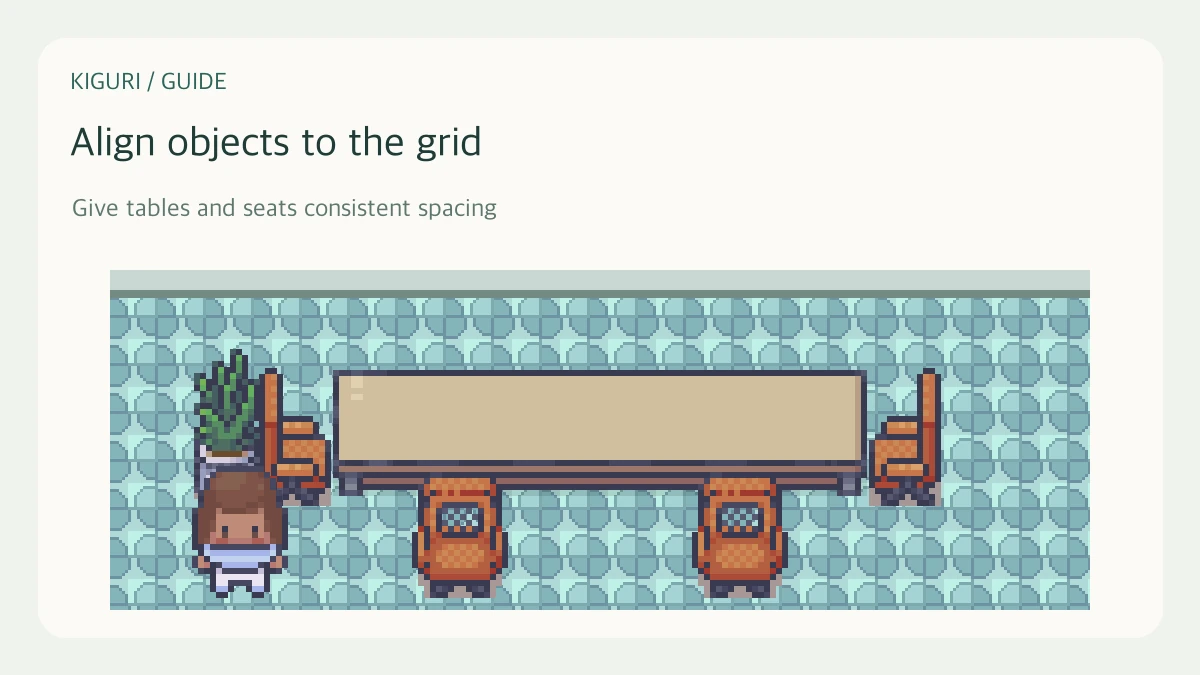
Grid alignment helps a layout feel consistent. It aligns an object’s position, however, not necessarily every visible edge of its artwork. Use the grid as a starting point and inspect the resulting assembly and passage.
Select the intended object
In the editor, check the Selected item label and position before moving it. A multi-piece object can also expose Active piece controls. Decide whether you are aligning the entire assembly or a component; those actions have different effects.
For example, align two whole desks before correcting a decorative piece on one of them. Otherwise, you may make their artwork look level while their placement anchors remain inconsistent.
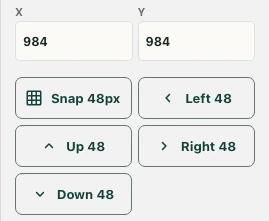
Try Snap 48px
Use Snap 48px to align the selected object to the editor’s tile-sized grid. Read its new position and inspect it against nearby floor cells. Supported piece controls can also include Snap piece; use the control that matches your intended editing level.
Snapping does not prove that an image’s border lies exactly on the anchor or that its collision footprint matches its visible shape.
Nudge by a tile when useful
Left 48, Up 48, Right 48, and Down 48 move the selected item by a tile-sized amount. Make one change at a time and recheck the reference object. Avoid repeated blind clicks near the map boundary or a doorway.
Check function after visual alignment
Inspect the route around the object and test it in normal play. A regular-looking row still needs enough approach space for a seat or computer. Keep functional seat calibration separate from grid alignment; snapping furniture is not a substitute for verifying the sitting position. Use Undo if the result is wrong, then save only after both the alignment and the passage work as intended.