Edit grouped furniture without breaking its pieces
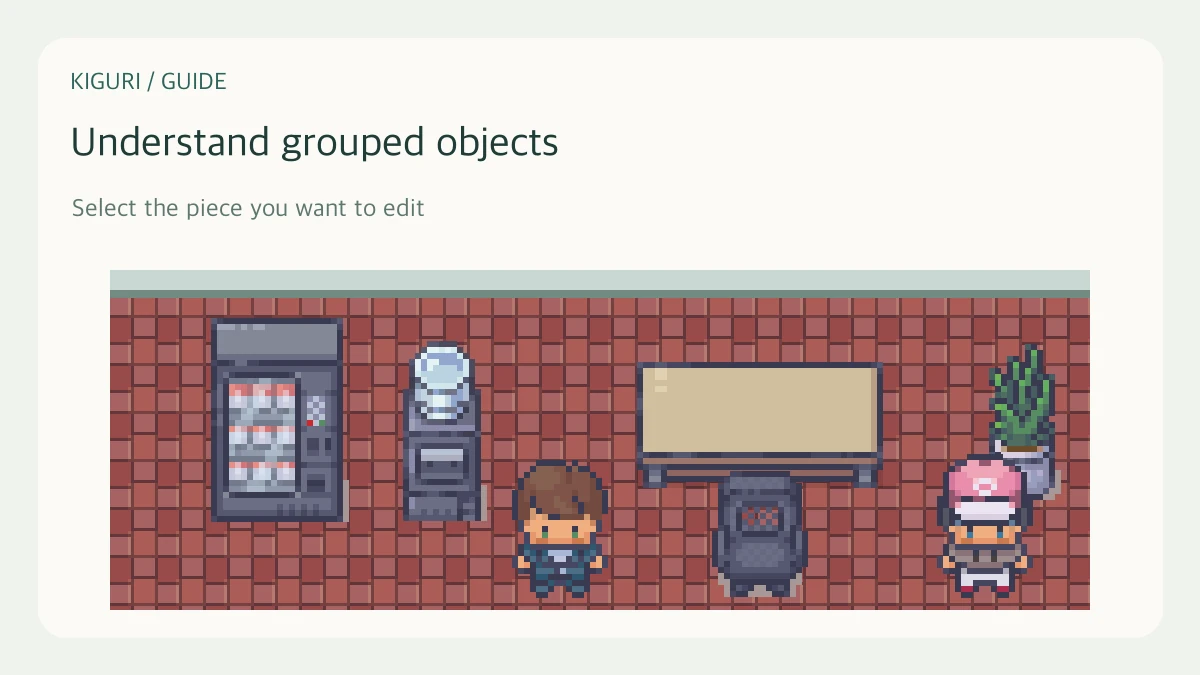
A furniture assembly can contain several pieces that need to stay aligned. A counter, shelf, or multi-part object may look like one item while the editor exposes its internal pieces. Choose the level of editing before you move anything.
Start with the whole selected item
In an editable workspace, select the object and inspect Selected item. Its label, position, and piece count identify the assembly. For a simple relocation, move the whole item rather than trying to shift each visible tile independently.
For example, moving a counter as a unit keeps its top and front aligned. Moving only one piece may create a gap even when the rest of the counter remains unchanged.
Select an Active piece for a specific correction
For supported multi-piece objects, Active piece lets you select a component. Check its kind and identifying information, then use the available piece controls. A fine adjustment should solve a particular problem, such as a misaligned edge, rather than changing the assembly’s structure by accident.
Piece roles can affect behavior. Do not change a role solely because its name seems visually appropriate; check the function you need and the resulting interaction.
Ungroup only when independent editing is needed
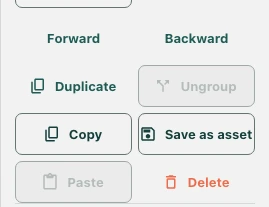
Ungroup separates supported objects for individual editing. Read the editor’s result, including cases where the object cannot be ungrouped. This is a deliberate structural change, not a required step for every placement.
Keep a checkpoint before reorganizing a complex assembly. Inspect every resulting piece instead of assuming an automatic regroup control will reconstruct the original later.
Review appearance and behavior
Look for gaps, overlaps, and unintended changes to seats or other functional parts. Leave editing mode to test interactions where relevant. A visually complete assembly can still need behavioral verification. Save the accepted result only after checking the whole object and the pieces you actually changed.