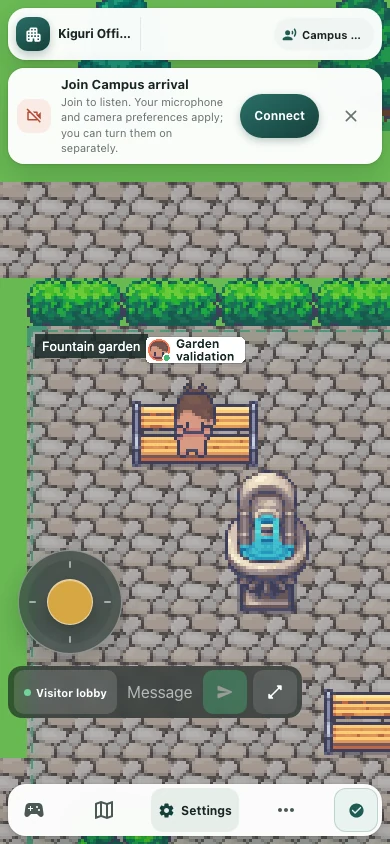
Sit on a garden bench, then get moving again
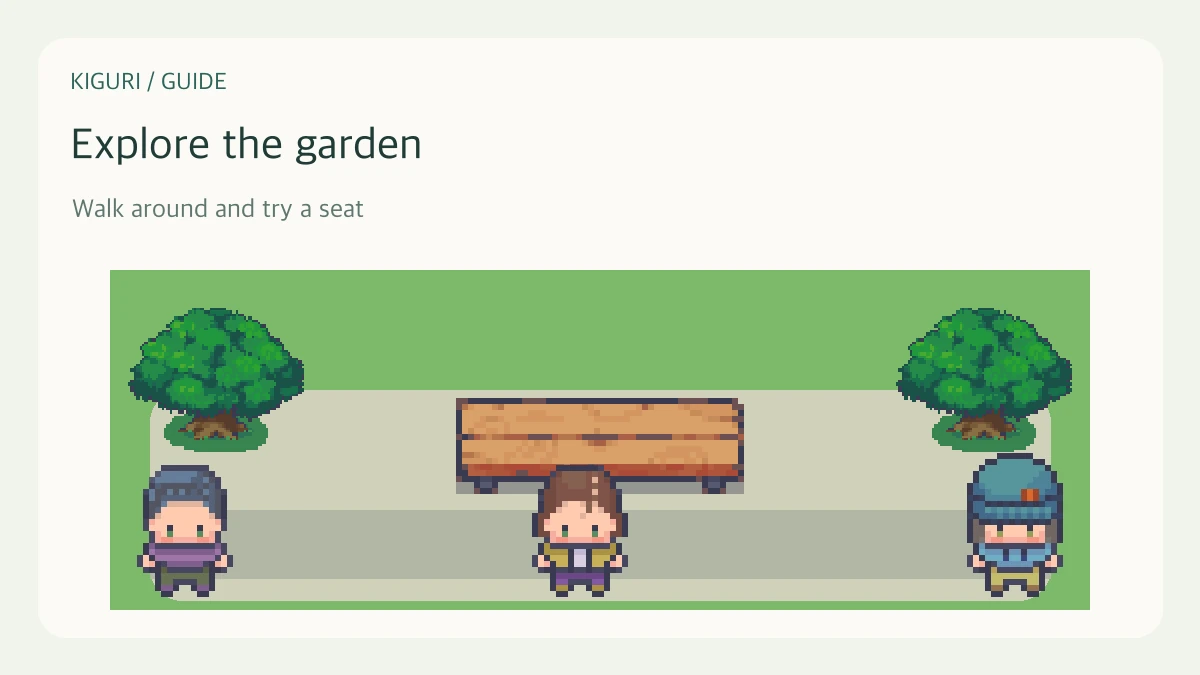
A garden bench can contain usable seats. Sitting depends on your character reaching a seat, not simply clicking anywhere on the bench image. Approach closely, then stop moving.
1. Reach the garden
Enter /demo?play=1 and select an available garden destination on the minimap. Fast travel brings you near the portal on your current map. Move toward the actual door or portal, then confirm the garden map name and surroundings. Find a bench and approach through an open passage. If trees or walls block the back, try the front.
2. Walk close to a seat
Move toward the sitting area of the bench. Looking close on screen does not always mean your character is within seat range. If you are beside the end or behind the backrest, adjust your position toward the front. Sitting does not trigger while you keep walking past the seat.
3. Release the movement controls
Let go of the arrow keys or touch movement pad near the seat. When an available nearby seat is selected, your character changes to a seated pose. Do not keep holding movement while waiting to sit. Your approach position can affect which seat is selected on a multi-seat bench.
4. Check the seated pose
Look at the character's body and its position on the bench. A name label alone does not show whether someone is seated. If another participant is using a seat, try a free one.
5. Stand with movement input
Use the arrow keys, W, A, S, D, or movement pad to stand. To test another seat, walk into the passage, return near that seat, and release movement again. If sitting fails, check that input is reaching the game, the editor is closed, and the seat is free. Note the bench location and approach direction if the problem repeats.