Hand over a shared browser without inheriting session assumptions
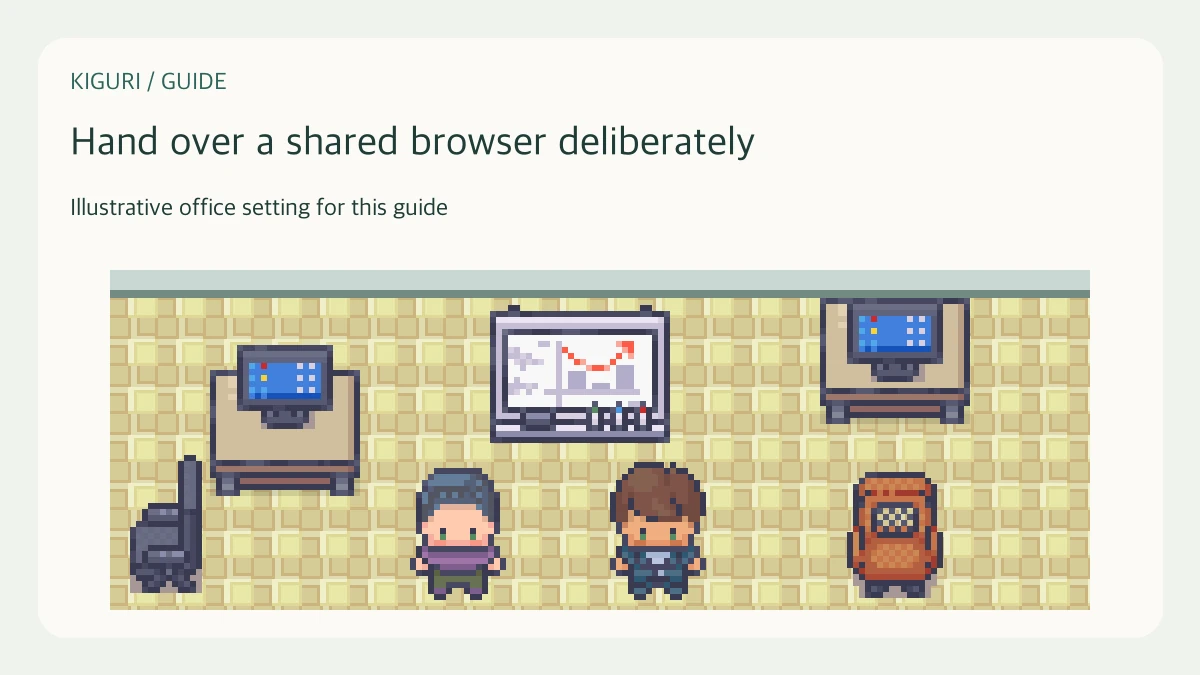
A shared browser can carry one person's office choices into the next person's visit. Account sign-out and a fresh-looking screen do not establish that every preference, open tab or downloaded file has disappeared. Use a short two-person handover card to identify what was actually checked before the next person sends a message, edits work or joins media.
Finish the outgoing person's interaction
In this fictional practice case, Alex finishes at an office workstation and Sam is next. Alex has previously chosen to join with the microphone on, uses a custom avatar, and shows Busy presence. These are invented choices, not another person's account information.
Alex first finishes their work and ends any active media connection through the control actually available. Where connected office media shows Disconnect audio and video, that control concerns the current media connection. Do not assume moving away from a conversation or returning to another page has completed account sign-out. The next person should not inherit an active conversation while trying to determine whose session is present.
Complete sign-out before handing over
Open the workspace management view, Spaces and organization. Its signed-in header offers Sign out. Use that control as the outgoing account holder and wait while Signing out... is displayed. The expected completed flow returns to the home page. If the action remains pending or fails, keep the handover unresolved rather than ask Sam to examine Alex's account.
The guide image uses an isolated synthetic account context and does not demonstrate a real server sign-out. Returning home is not a receipt showing that every browser artifact or every other session has been removed.
Check the incoming account and destination
Sam uses their normal approved sign-in route and checks the intended account and workspace before doing work. A familiar avatar or display name alone is insufficient: it may describe a retained choice or a nonunique label. If the account context, workspace load or sign-in result is unclear, stop and resolve that uncertainty before sending or editing.
Avoid opening Alex's private history to test whether separation worked. Keep the handover card free of passwords, account exports, copied conversations and authentication details. An approved separate browser profile or managed workstation process may be appropriate, but this guide does not establish that either guarantees isolation.
Review retained choices before connecting
Account sign-out clears selected account and workspace context. It does not reset every office preference. Microphone and camera join choices, avatar, presence and lighting preferences remain separately stored in the reviewed implementation. Sam should inspect their own intended settings before treating the next connection as ready.
Where available, open Settings, then Calls, and review Join with microphone on and Join with camera on. Check current device state after any later connection too. A retained join choice and a currently active microphone are different things. Review the visible avatar and presence instead of assuming that Alex's Busy label describes Sam's availability.
Close only the checks actually completed
Record outgoing interaction ended, sign-out completed or unresolved, incoming account and destination checked, and join choices reviewed. The card needs outcomes, not sensitive account content. Leave browser history, other tabs, downloads and device permissions outside any unsupported cleanup claim.
Ask the next person to explain which choices they still need to inspect. If they assume the home page proves complete erasure, clarify the boundary before continuing. The finish is a deliberate handover with unresolved checks visible, not a promise that a shared browser has become an isolated or entirely clean environment.
