Keep demo and workspace expectations clear
State the purpose of the visit
Before sending a Kiguri link, explain whether the recipient is exploring a product demonstration or joining an actual workspace activity. A demo is useful for learning movement and recognizing interaction controls. It does not by itself establish the access, membership, or object configuration of another office. One sentence about the visit's purpose prevents people from treating every visible example as a commitment about their own workspace.
Distinguish a tour from playable exploration
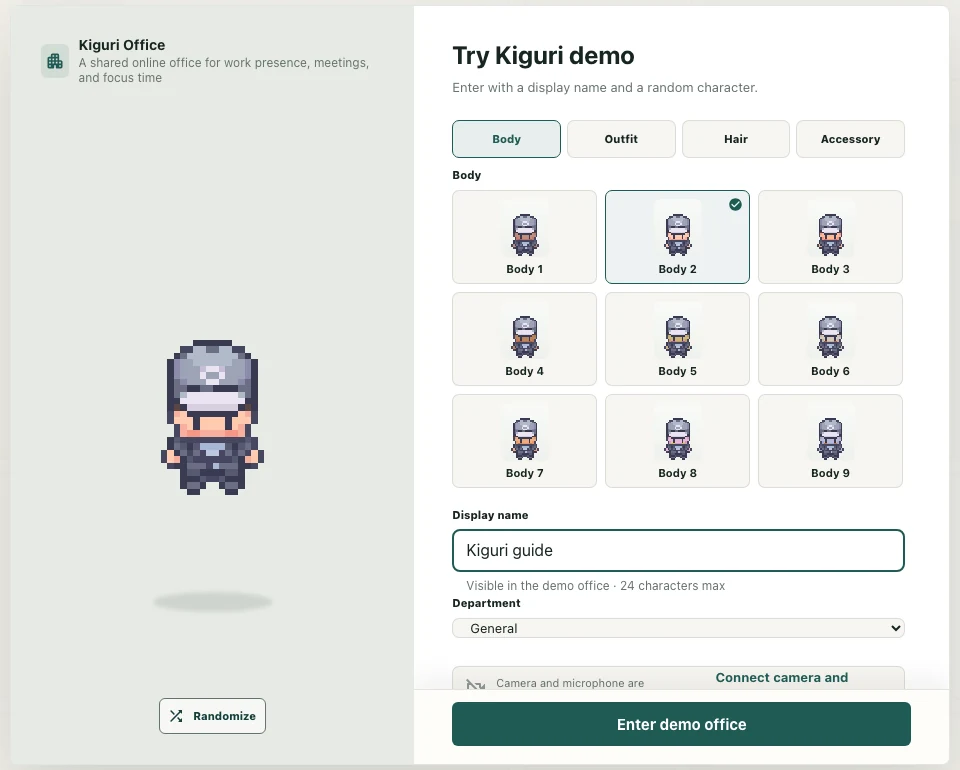
The product tour and the playable office are different experiences. If you want someone to control a character, give them the playable demo address, /demo?play=1, and say what to try first. If you want them to watch an introduction, describe that instead. Avoid instructions such as enter the office when the intended step is merely watching a scene in the automatic tour.
Give a bounded exploration task
Ask the visitor to walk to one destination and inspect one available interaction. For example, find a usable seating area, sit if the object supports it, and look at the chat controls. Do not require camera or microphone use simply to evaluate the layout. A short task produces clearer feedback than asking someone to click everything and judge the entire product at once.
Check the real workspace separately
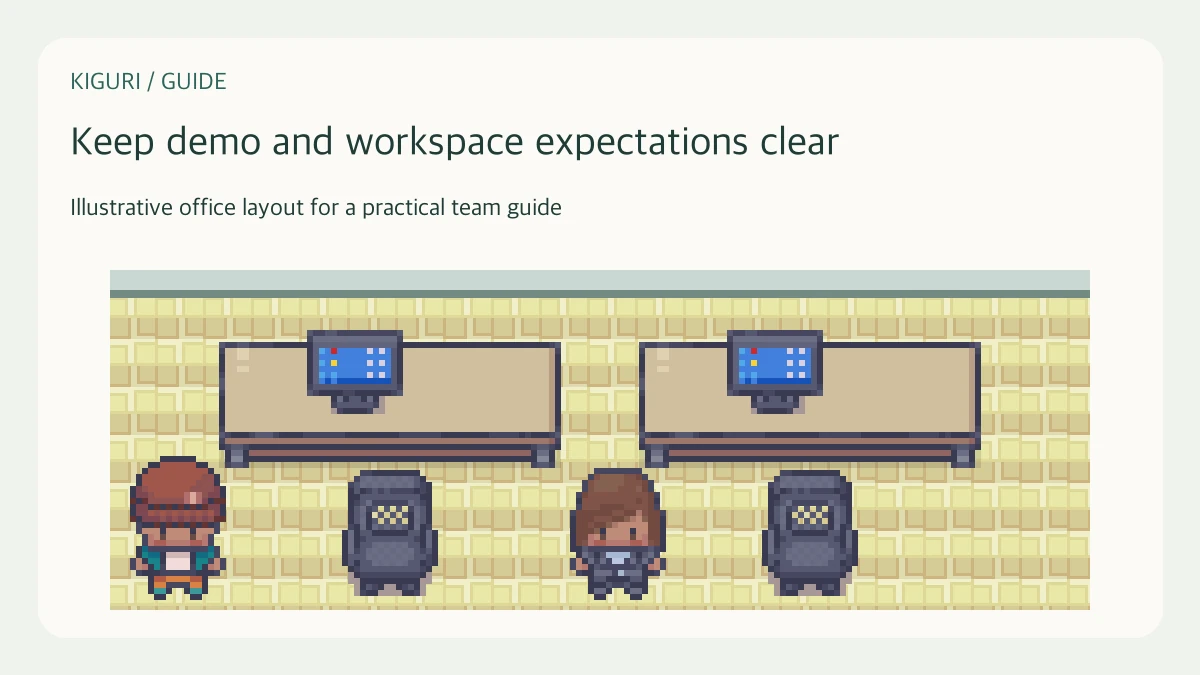
Before a team session, verify the actual office link, participant access, layout, and required tools in that workspace. The presence of a computer-shaped object does not guarantee that screen sharing is available in the current session. Similarly, an editor control shown in a guide does not establish that every visitor has editing permission. Explain limitations using the controls and state the person actually sees.
Collect feedback against the right context
Ask whether a confusing result occurred in the tour, playable demo, or a named workspace. Record the address and the intended action without including private credentials. If someone says a guide looks different from their screen, compare the relevant feature and access state before recommending a fix. Keep demo observations and workspace requirements in separate notes so a change to one does not silently rewrite expectations for the other.