Prepare a multi-host meeting with a clear handoff plan
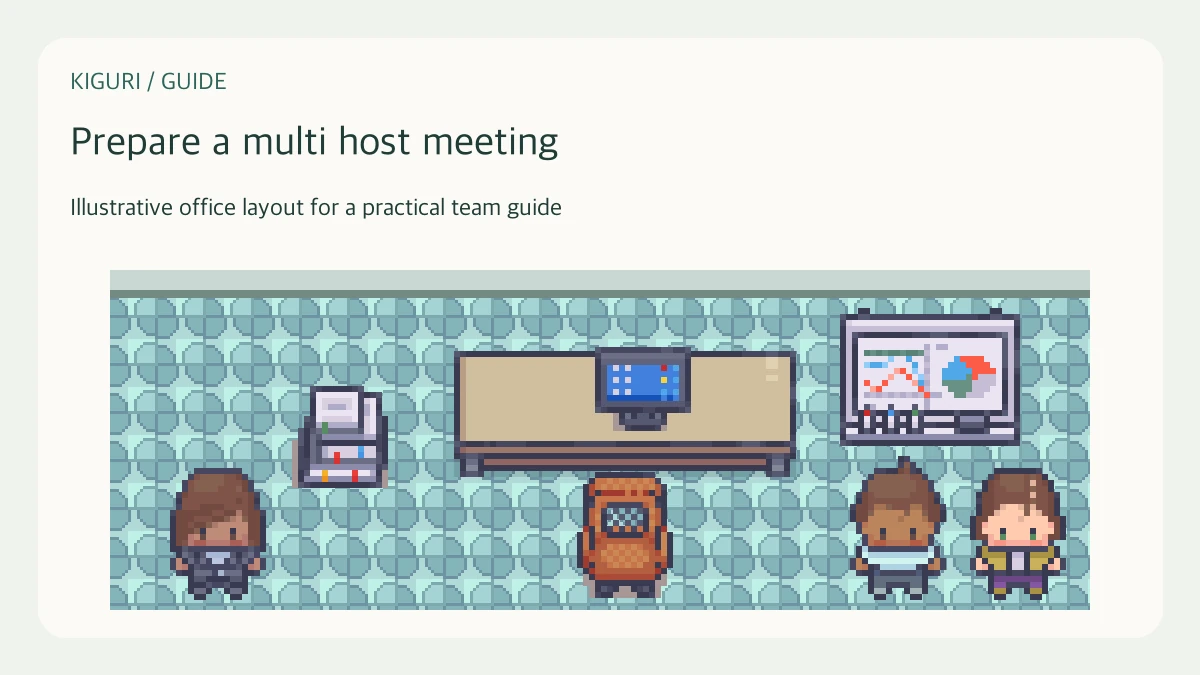
Two colleagues are hosting a meeting: one will explain a proposal and another will demonstrate the workflow. Without an explicit handoff, both may speak at once or assume the other is handling questions. Prepare the hosting roles before the audience arrives. These are practical responsibilities, not a claim that Kiguri automatically assigns co-host controls or special meeting privileges.
Divide the work by responsibility
Name the facilitator, presenter, and person watching for questions or access problems. One person can hold several roles in a small session, but say so explicitly. Identify who can change the agenda and who will make any decisions. Keep support duties realistic: the presenter cannot reliably watch every written question while explaining a detailed screen.
Write the transitions into the agenda
For each segment, note the speaker, the expected outcome, and the handoff phrase. Agree who will introduce the next person and whether questions are taken during or after the demonstration. A short script for transitions is enough; avoid scripting the whole conversation. The audience should be able to tell when the meeting changes from explanation to discussion.
Rehearse the technical handoff
Check the needed devices and, where available, the sharing route with the actual hosts. Have each presenter confirm what the other receives. Do not assume that one person's successful connection proves another person's setup. Prepare an alternative if a presenter cannot share: an agreed static illustration, a narrated walkthrough, or moving that segment to a follow-up. Label alternatives honestly.
Agree on interruption signals
Choose a simple phrase or existing text channel for a host to flag lost audio, a wrong window, or an overlong segment. The facilitator should interrupt clearly when the audience cannot follow. Avoid a private signaling system that only one host remembers. If a question needs specialist attention, the support host can record it without derailing the current explanation.
Check the meeting can survive an absence
Decide which parts can proceed if a host disconnects and which should wait. Make the agenda and approved materials accessible to the remaining host. After the session, compare notes before sending a recap so contradictory answers are corrected. Extra hosts improve coverage only when their responsibilities are distinct; adding people without a plan can create more coordination work than it removes.