Prepare a screen-sharing demo that has a fallback
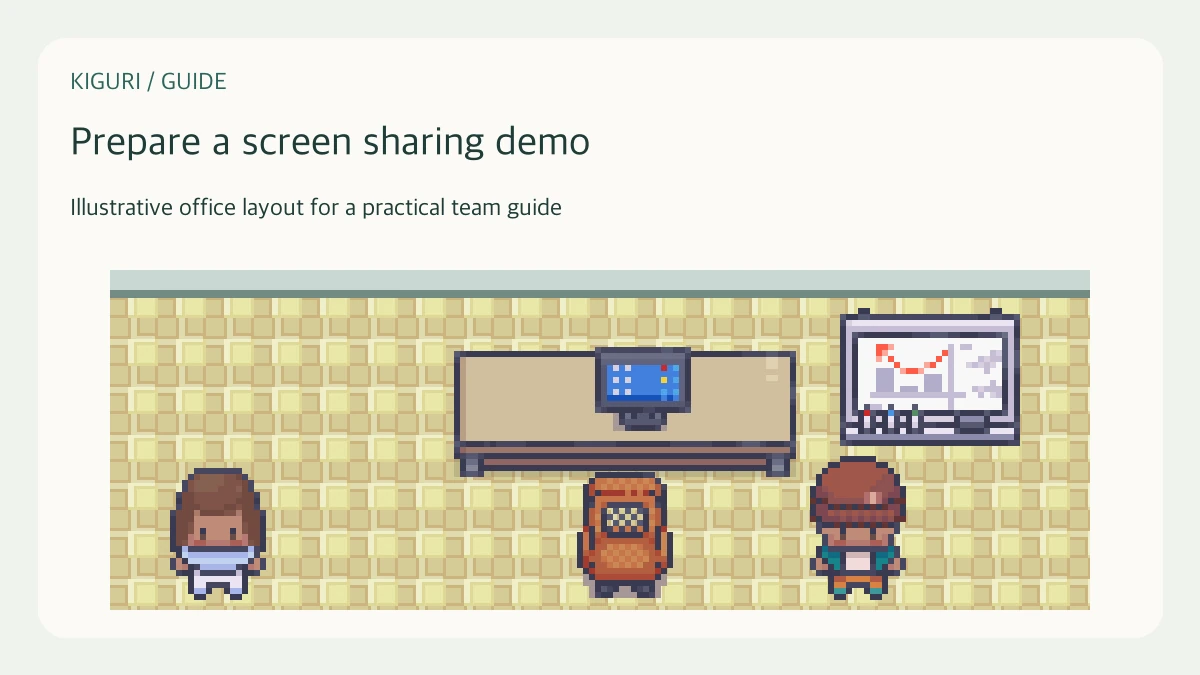
You have ten minutes to demonstrate a workflow to colleagues. The goal is to help them understand one task, not to prove that every application window works. A little preparation reduces the time spent finding tabs and explaining interruptions. These steps apply to a demonstration hosted in a virtual office without assuming that a stream is already connected.
Choose a short route through the task
Write the starting state, the action you will demonstrate, and the result the audience should recognize. Use an example that contains no private customer information. Remove optional detours from the main route and keep them for questions. If a step depends on an external service, prepare its starting state before the meeting rather than making the audience wait for setup.
Inspect the visible window
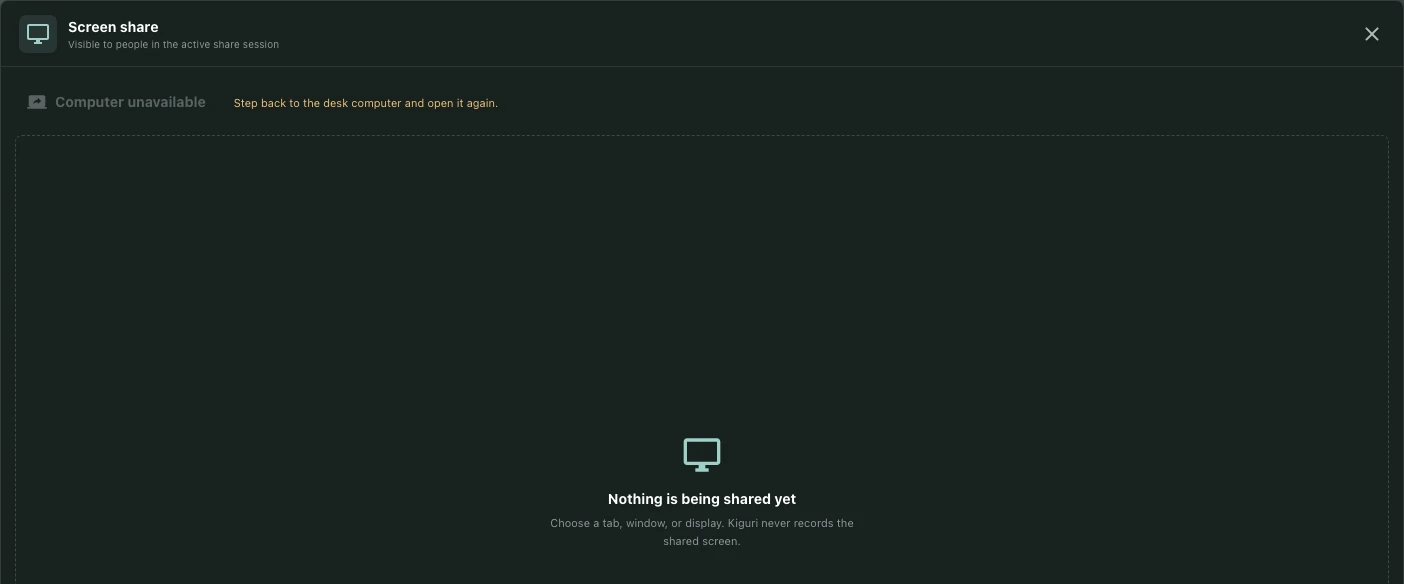
Close unrelated tabs and silence notifications where your operating system permits. Use a readable zoom level and check that important controls remain visible. When screen sharing is available in your session, deliberately choose the intended window or screen in the browser prompt. Ask another participant what they can actually see. A preview on your own computer is not sufficient evidence of reception.
Rehearse with the audience's questions
Run through the route once while narrating why each action matters. Note where loading or an unfamiliar term needs explanation. Prepare a sentence describing the expected result before showing it. Leave time for one question at a natural stopping point. If the demonstration needs sound, check that separately rather than assuming that microphone audio includes application audio.
Prepare a useful fallback
Keep a few non-sensitive screenshots or a short written walkthrough in an agreed place. If sharing fails, stop repeated reconnect attempts after a reasonable check and use the alternative. Explain which parts are illustrations and which parts you have demonstrated live. The fallback should answer the original learning question, even if it cannot show every interaction.
End with a practical check
Ask someone to describe the first step they would take to repeat the task. If the answer depends on an unexplained prerequisite, add that prerequisite to the follow-up notes. Record questions that need a separate answer. A narrow, reliable demo is usually more useful than a broad tour, but leave a route to deeper material for people who will use the workflow regularly.