Separate quiet areas from conversation areas
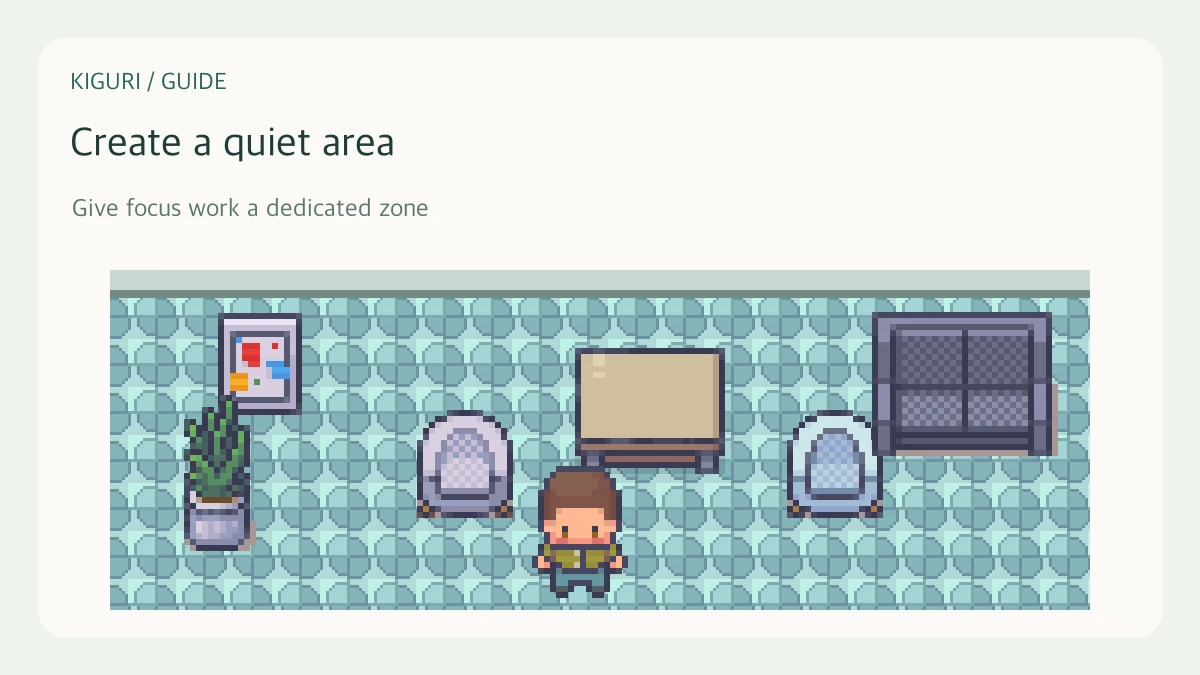
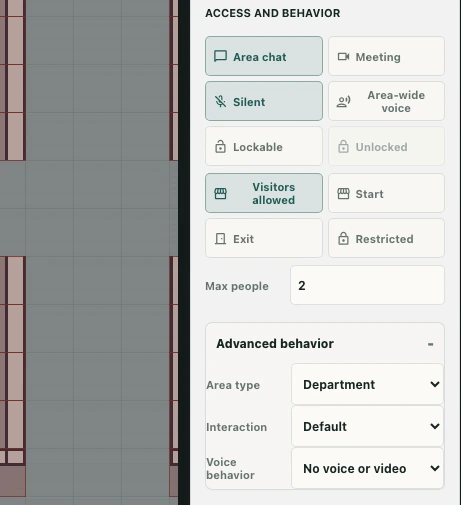
A quiet working area and a conversation area need different behavior, even if they use similar furniture. In an editable workspace, area settings let you express that difference. Visual boundaries alone do not define who can hear or enter a space.
Select the area you intend to change
Open Edit map with the required permission, choose Areas, and select the intended zone. Confirm its name and boundaries in the properties panel. For an example quiet corner, keep its footprint distinct from a nearby meeting area so you can test both without guessing which zone you occupy.
Choose a voice mode for the purpose
Inspect the area’s voice settings. Options include Nearby people in this area, Everyone in area, and No voice or video. These describe different conversation scopes. Choose based on whether a discussion should involve nearby participants or the whole area, rather than merely copying the settings from another room.
Silent is also exposed as an area capability. The editor coordinates silence with meeting and voice settings, so read the resulting properties after changing it. Do not assume every toggle is independent of the others.
Keep chat and access separate
A no-voice area is not automatically a private room. Check chat and access-related properties separately. Likewise, a locked or restricted area is not simply a quieter version of an open area. Decide whether your goal is concentration, conversation scope, or entry control before changing the relevant property.
Test the boundary after saving
Save changes and confirm success. In normal play, enter and leave the area, check its name, and inspect the media behavior with another permitted participant when needed. A settings screenshot shows configuration, not proof of a completed multi-person audio test. If results differ from your expectation, record the selected mode and the exact area boundary before adjusting the map again.