Structure a remote pair-work session around one artifact
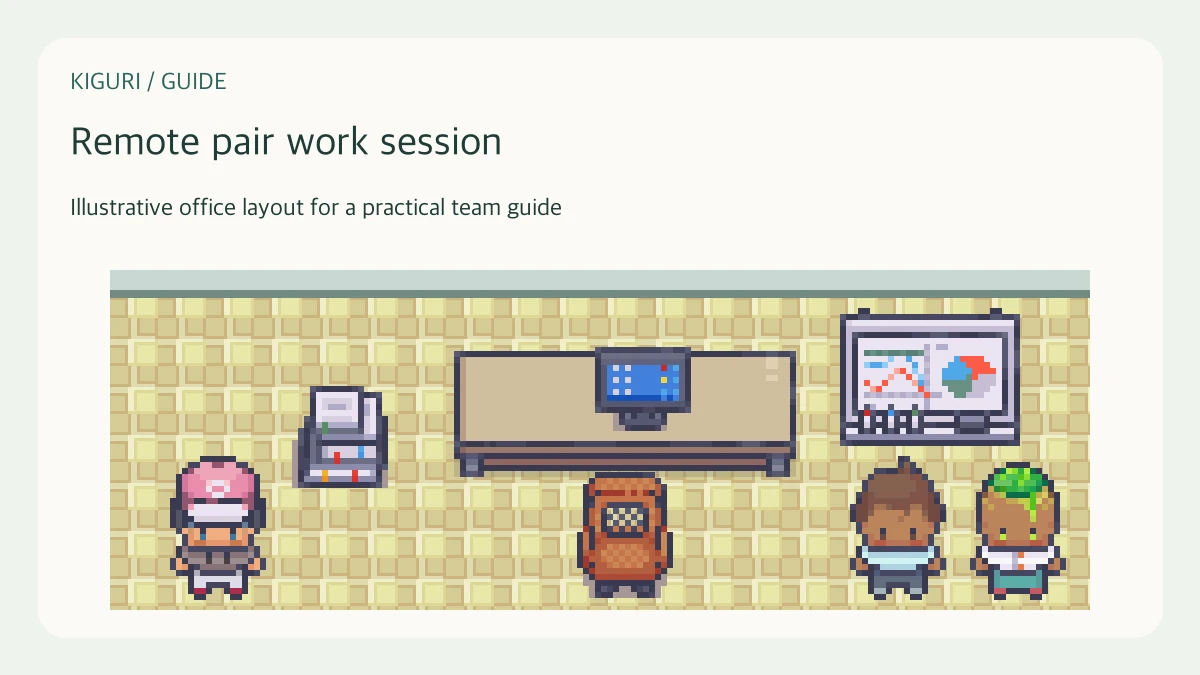
Pair work is most useful when two people can examine the same task and explain their reasoning. The task might be a bug investigation, a document edit, or a design decision. Decide what the session should produce before choosing the tools or the place to meet.
Prepare a shared starting point
Send the artifact, the question, and the planned duration beforehand. Check that both people have the permissions they need. Pick a small outcome, such as reproducing one error or agreeing on the structure of a single page.
For a bug investigation, include the observed behavior and the steps already tried. For a document edit, identify the intended reader and the paragraph under review. Preparation keeps the first part of the session from becoming a search for the correct file.
Assign working and observing roles
One person changes the artifact while the other watches, asks questions, and checks assumptions. Explain that both roles are active. The observer should be able to question a step without taking over every decision.
If screen sharing is available in your current workspace session, verify that the other person sees the intended content before beginning. Share only what the task needs and close unrelated sensitive windows. Use a shared document or written notes when screen sharing is unavailable; pairing does not require a particular media feature.
Rotate at a useful boundary
Switch roles after a small step is complete, or when the original driver needs a fresh perspective. State the current hypothesis before switching. Otherwise the second person spends the next interval reconstructing what happened.
For example, after reproducing a problem, let the other person lead the comparison with expected behavior. The role change should reveal different reasoning, not merely alternate who presses keys. For an unfamiliar task, longer turns may be better than frequent interruptions.
Finish by testing the result
Compare the outcome with the initial goal. Record the artifact's location, what changed, and what remains unresolved. If the task needs another session, give it a separate objective rather than leaving the current conversation open indefinitely.
Check that both people can explain the next step. If only the driver understands the result, the session may have produced work without transferring knowledge. If no progress was possible because access or information was missing, name that blocker and its owner before ending.