Run a map change review before replacing a working layout
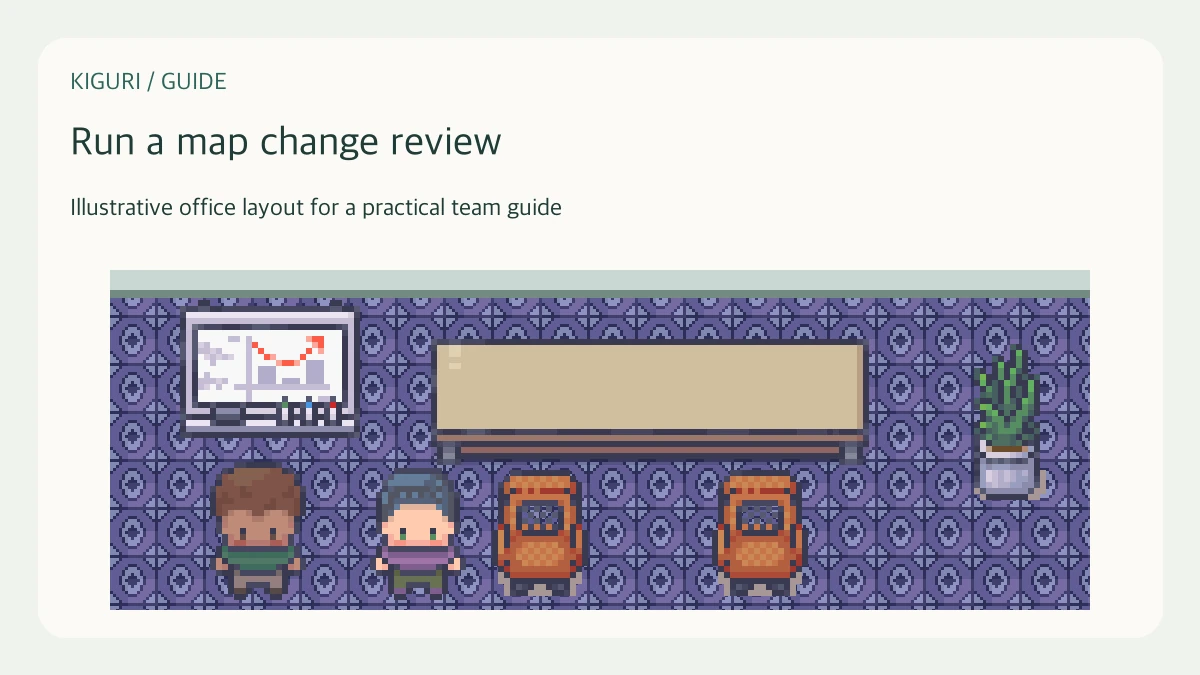
A shared office map deserves a small review process when a change could alter familiar routes or meeting spaces. The process does not need a formal committee. It needs a defined purpose, an editor who has appropriate access, a reviewer, and a way to return to the previous arrangement if the experiment fails.
Describe the proposed change in one sentence
Suppose you want to move a gathering table away from the entrance because arriving visitors interrupt discussions. Write that purpose before opening the editor. Identify what should improve and what should remain easy to find. This makes the review about a usable route and conversation spot rather than a general competition between different visual preferences.
Record the starting arrangement
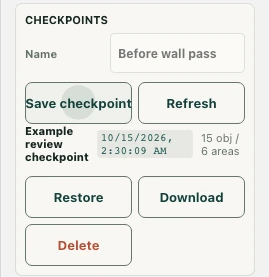
Before editing, note the map identity, date, and relevant destinations in an existing project document. With authorized editor access, use available checkpoint or export controls and check their result. Kiguri checkpoints use browser storage, so a visible checkpoint entry is not a promise of a shared server backup. Keep an appropriate downloaded recovery copy when the available controls support it.
Make the smallest informative change
Move the relevant furniture group and inspect the resulting approach route. Avoid combining the move with a new floor, decorative overhaul, and several other room changes. A small revision makes failures easier to diagnose. If the first layout already shows the problem clearly, correct it before adding optional detail that will make comparison more difficult.
Ask a reviewer to repeat the task
Have someone enter the office, find the table, approach the intended seats, and leave for the next common destination. Ask what they expected to happen at the confusing point. Check visual overlap and collision separately. Record any condition you could not test, such as a multi-person conversation, instead of accepting a solo walkthrough as evidence that all interactions work.
Accept, revise, or restore deliberately
Decide whether the original purpose was met and whether the new route introduced a worse obstacle. A familiar layout has value, but keeping every familiar object can prevent a useful improvement. If the result fails, use the prepared recovery path carefully and verify the restored arrangement. Communicate the accepted change to the team so the map does not become a surprise people discover during an unrelated meeting.