Rehearse an office tour without customer information
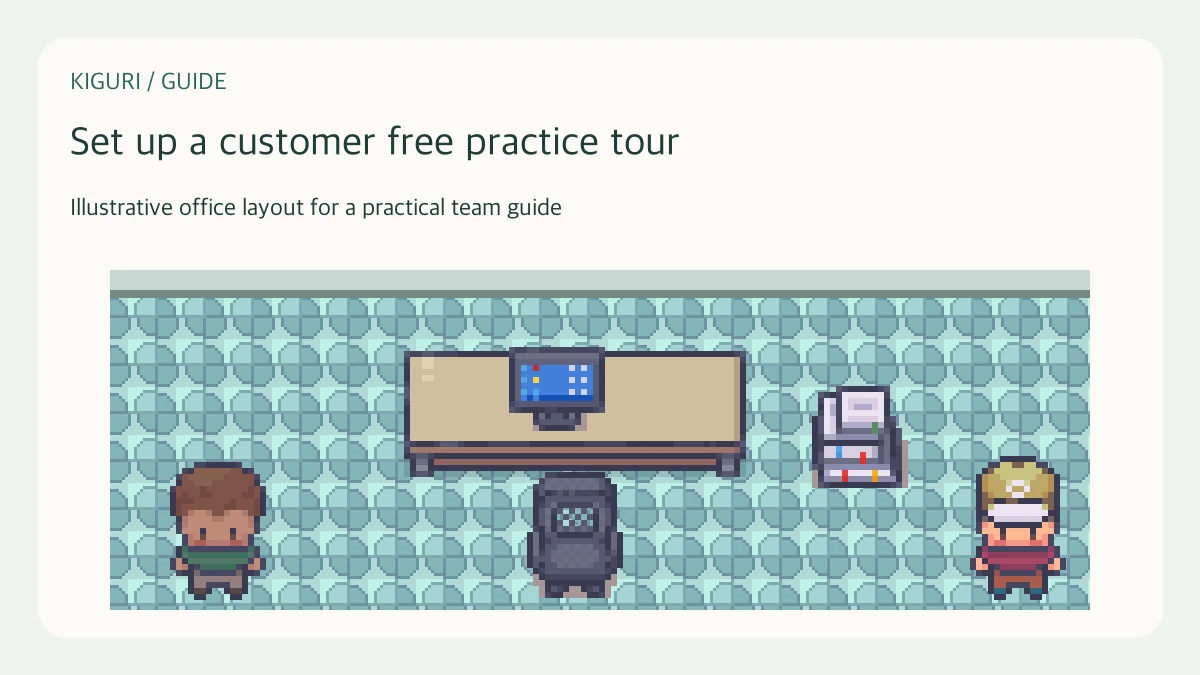
Before showing an office to an external audience, rehearse with a colleague using fictional names and non-sensitive material. This practice tour tests the route and the explanation, not customer engagement or sales results. A rehearsal is useful even when the final audience has different access: it can expose unclear instructions without placing real customer information on screen.
Define a practice-only example
Choose a simple scenario, such as a new colleague finding a meeting point. Use invented names and sample documents clearly labeled as examples. Inspect visible names, open tabs, and any shared surfaces for private information. Do not use a real customer account simply because it already contains a convenient layout. Keep the practice scope separate from live customer work.
Pick a route with three stops
Choose an arrival point, one working area, and a closing point. Write the reason for each stop before rehearsing. Keep the route short enough that the visitor can remember it. If it includes a door or portal, test the destination using the same access level the visitor will have where possible. An organizer's permissions can hide a problem a guest would encounter.
Rehearse the visitor's actions
Ask your colleague to follow the spoken instructions without extra hints. Give them time to read controls and move at their own pace. If they lose the route, note which instruction was ambiguous before repeating it. Demonstrate only interactions that you have checked in the current session. Treat unavailable calls or shared surfaces as rehearsal findings, not as successful demonstrations.
Prepare an interruption plan
Decide what to do if a connection, device, or interaction fails. Keep an agreed written route and a few approved illustrations available. Offer the visitor a simple way to rejoin the explanation. Avoid repeatedly moving ahead while they are still resolving access; that turns a small interruption into confusion about the whole tour.
Record the changes before inviting anyone
Ask the practice visitor which stop was useful and where the purpose became unclear. Shorten explanations that describe controls without explaining their value. Record the access and route checks you still need for the external audience. A successful rehearsal reduces avoidable friction, but it does not establish that a different account or browser will behave identically.