Spot decorative and interactive objects in an office
Treat appearance as a clue
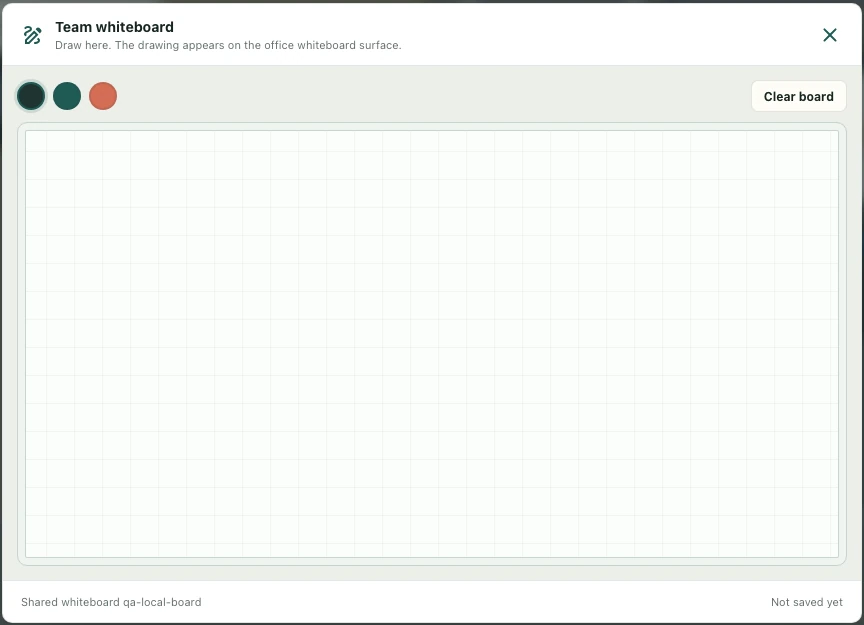
A monitor, whiteboard, or chair tells you something about a room's visual purpose, but its artwork alone does not establish a working action. Some objects are decorative; others are configured for interactions. Start by deciding what you expect to do. For example, reading a picture on a wall is different from opening a shared drawing surface that participants can use together.
Approach and check the actual result
Walk toward the object in normal play and look for the available interaction or behavior. Use the offered control when it is relevant. If nothing appears, check that you are approaching the intended object from a usable position. Do not keep pressing unrelated buttons or infer a broken service solely because a decorative item resembles one that worked elsewhere in the office.
Compare two similar examples
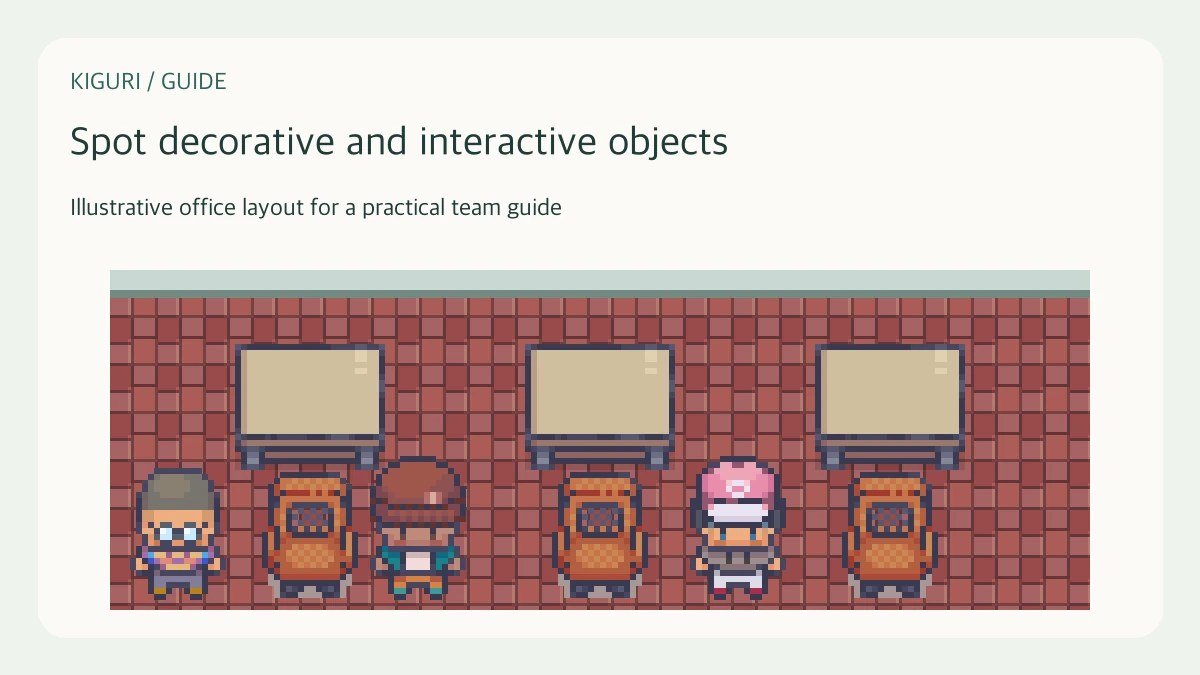
If one chair accepts sitting and another does not, record both locations and what happened during the approach. The visual difference may be small while the object configuration differs. Likewise, a computer-shaped decoration and a usable sharing desk can occupy similar space. A concrete comparison is more useful than a broad claim that all chairs or all computers should behave identically.
Review configuration with permission
When you have authorized editor access, inspect the object type and relevant settings instead of relying on its display name. Also check approach space and nearby collision information. If you do not have that access, report the expected action and observed result to someone who does. Do not change a decorative item into a functional one without considering whether it suits the room and the intended participant activity.
Make the distinction understandable to visitors
Place the essential usable objects where they are easy to find and explain their role in the session invitation or office instructions. Avoid surrounding the only presentation desk with several equally prominent decorative monitors. After adjustments, ask a visitor to locate the correct object without hints. If they choose the wrong one again, simplify the arrangement or clarify the instruction rather than adding more visually competing props.