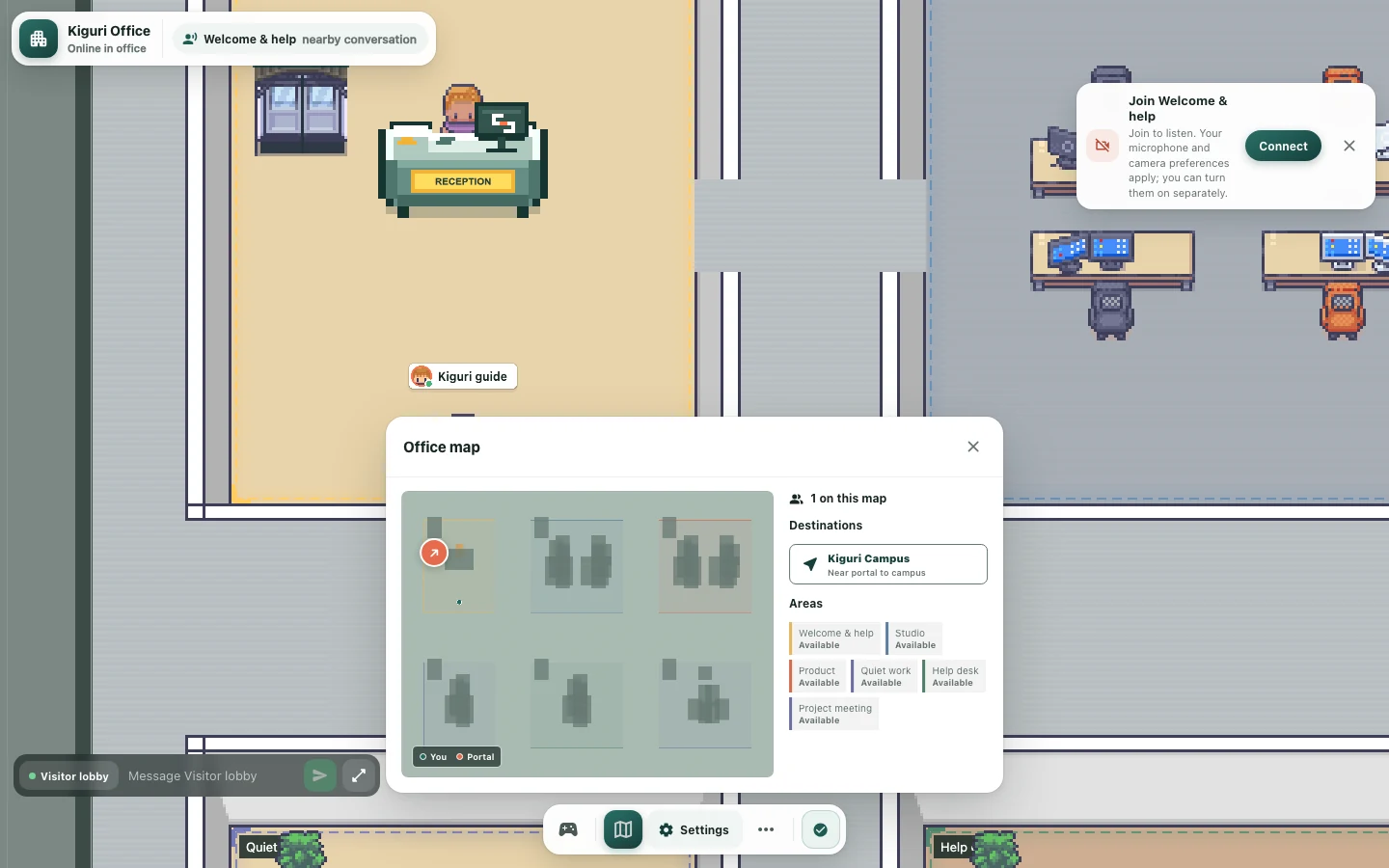
Use landmarks to give clearer office directions
Good directions depend on what a visitor can recognize while moving. A landmark is useful when it distinguishes a decision point, not just when it looks impressive. Plan a few clear cues for your virtual office and pair them with ordinary language rather than relying on a dense collection of decorations.
Identify the actual decision points
Imagine giving directions from reception to a meeting corner. Find the places where a visitor must choose between plausible routes. A straight corridor with no alternatives may not need a landmark; a junction between workstations and the garden probably does. Put your attention on those choices before decorating every wall. Fewer meaningful cues are easier to describe consistently.
Choose objects people can name
A window, reception counter, or distinct sofa cluster can be easier to describe than a small ornamental tile. Use what the object actually looks like, not an uncertain catalog name. Avoid describing an empty cabinet as a bookshelf. Make the landmark complete and unobstructed so the visitor can recognize it without needing the same detailed editor view you used while placing it.
Distinguish adjacent destinations
If two corners contain identical tables and plants, directions based on those objects may be ambiguous. Change the arrangement or choose a different visible focus for one corner. Do more than recolor the same composition. The aim is a meaningful difference in what someone sees: a table group on one side and an open board area on the other, for example.
Write a short route
Use one action at each decision point: pass reception, turn at the window, then approach the meeting table. Check that these objects appear in that order from the arrival direction. Avoid directions based only on absolute screen positions, because the camera may move. Do not imply that a decorative sign provides automatic navigation or interaction unless you have verified its function.
Test without the overview
Follow the written directions in play without opening the editor overview. Repeat the route in reverse and on a smaller screen. Ask a tester to point out the landmark they used at each turn. If they rely on a tiny prop or an object outside the current view, move the cue, simplify the junction, or shorten the instructions before inviting a larger group.