Use the text office directory to orient and choose a destination
Read named office context, distinguish descriptions from destination buttons, and separate refreshed lists from optimistic movement feedback.
Read named office context, distinguish descriptions from destination buttons, and separate refreshed lists from optimistic movement feedback.
Trace the editor's live copied source, distinguish a locked-source refusal from deletion, and deliberately restore Copy before trying Paste again.
Read a configured building’s floor menu, distinguish current-floor and rejected selections, and confirm arrival separately from initiating a transition.
Prepare a later follow-up from an Inbox handoff, then review what reached the Calendar form before taking ownership or saving anything.
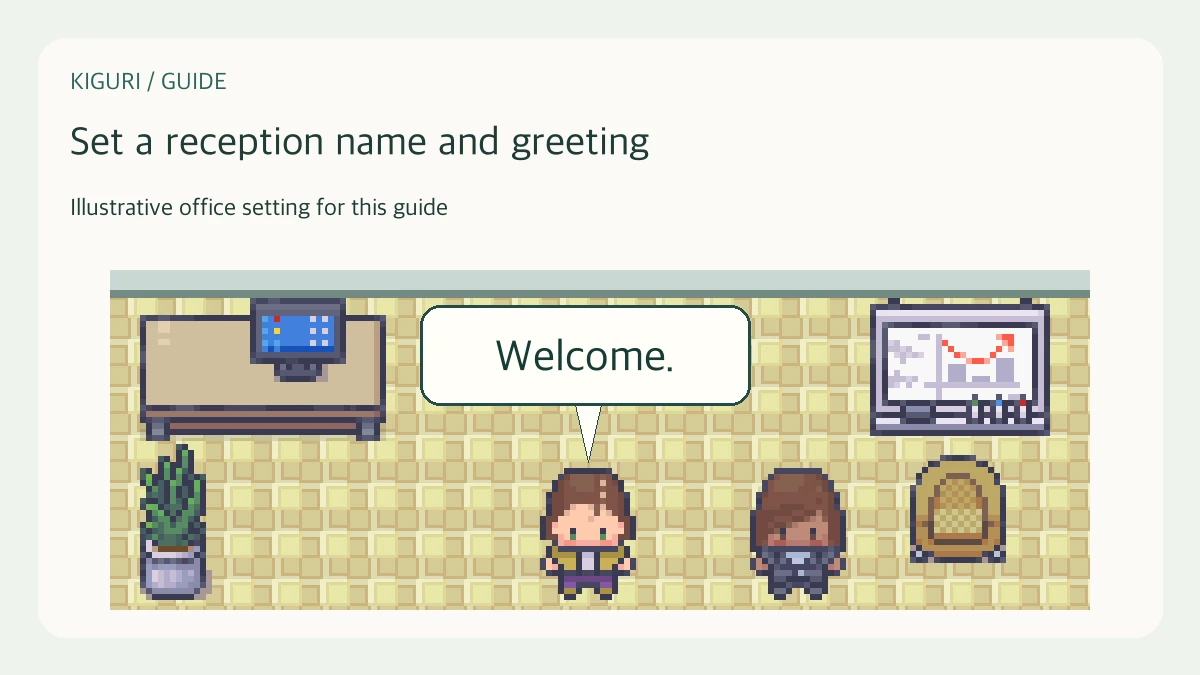
Use an editor-added receptionist, verify its exported name and greeting fields, and inspect the initial native conversation display.
Distinguish enabled, blocked, unavailable and not-yet-requested browser permission without confusing it with media connection or alert delivery.
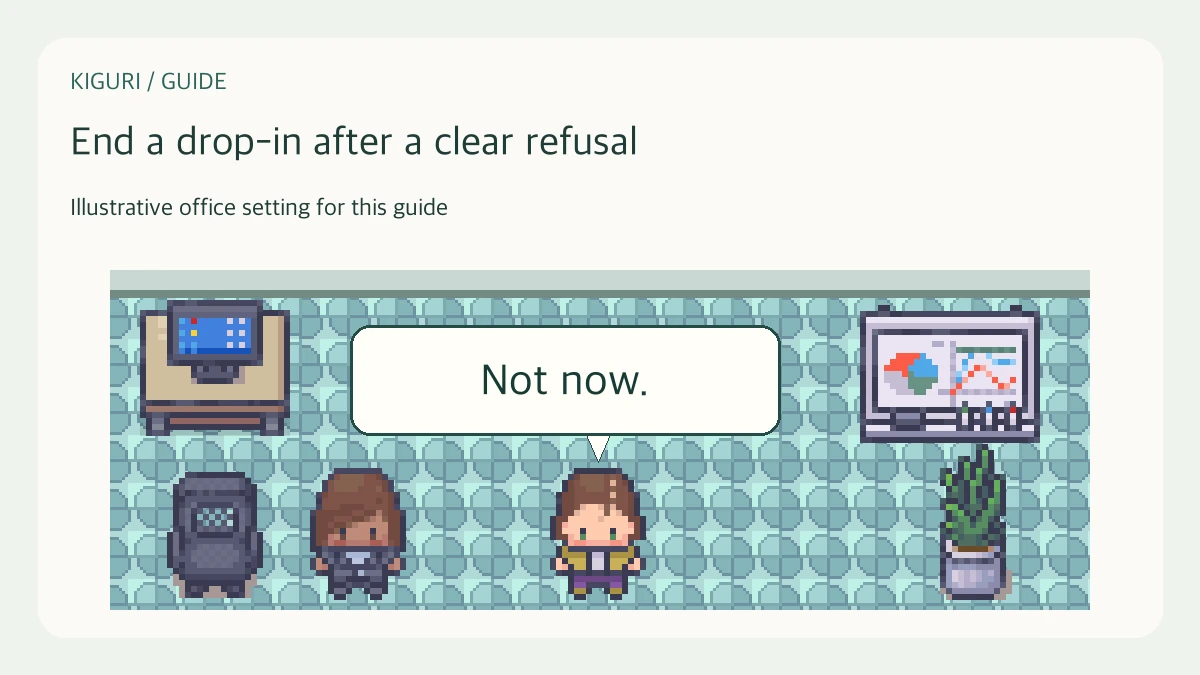
Use a clear boundary, end your participation, and give the responsible owner minimal factual context when an office drop-in continues after you decline.

Separate account sign-out from retained office preferences before another person uses the same browser, without assuming that every trace or session has disappeared.
Understand why a reminder offers Go to room or View schedule, and check its timing and room label before treating the action as a confirmed destination.
Find the right membership and distinguish selecting its management context from requesting entry, without mistaking browser selection for successful admission.
Use the Office phone history to distinguish displayed direction, status, start time and optional duration, while recognizing the limits of a bounded list.
Agree on a one-time remedy between hosts, then check that required attendees reach the same place instead of relying on changed directions.