Use doors and portals: check access and confirm the new map
Move near a portal with the minimap, use the actual connection, and check access messages and arrival.
Move near a portal with the minimap, use the actual connection, and check access messages and arrival.
Use Start tour in settings, and distinguish the office guide from the automatic Product tour.
Distinguish availability, office presence, and media connection before joining a nearby conversation.
Separate current call controls from join preferences, then check devices and browser permissions.
Distinguish office presence, media connection, and a connected call with your microphone muted.
Send a quick message, expand chat for history, and check the channel and connection before sending again.
Approach a usable seat, release movement input to sit, and use the movement controls to stand.
Read the minimap and move within the current map, then use the actual door or portal to enter another space.
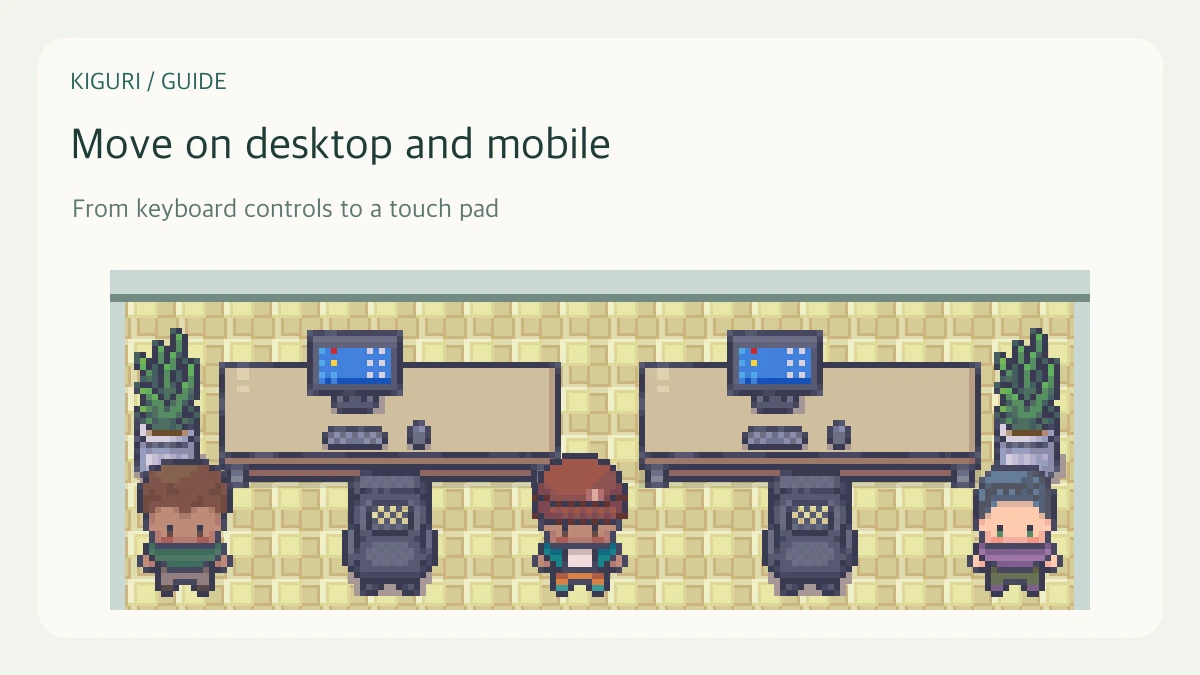
Use arrow keys, WASD, or the touch movement pad, and check whether chat or another tool is taking your input.
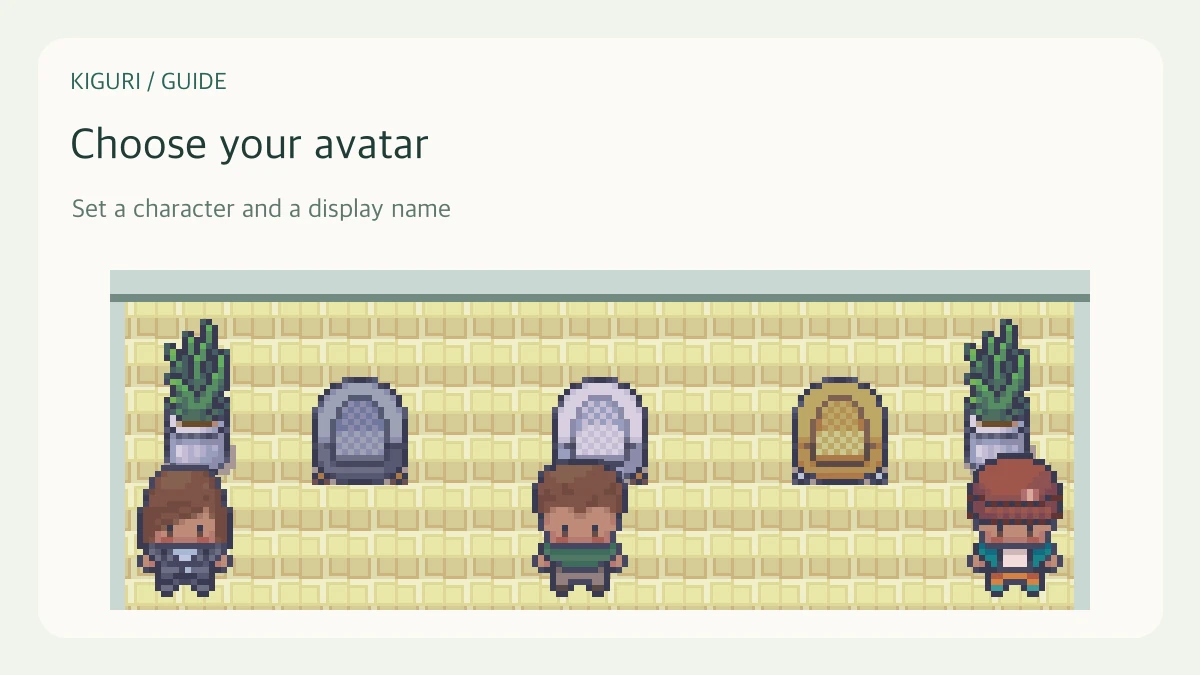
Check your character preview and public nickname, then distinguish identity from presence and media status.
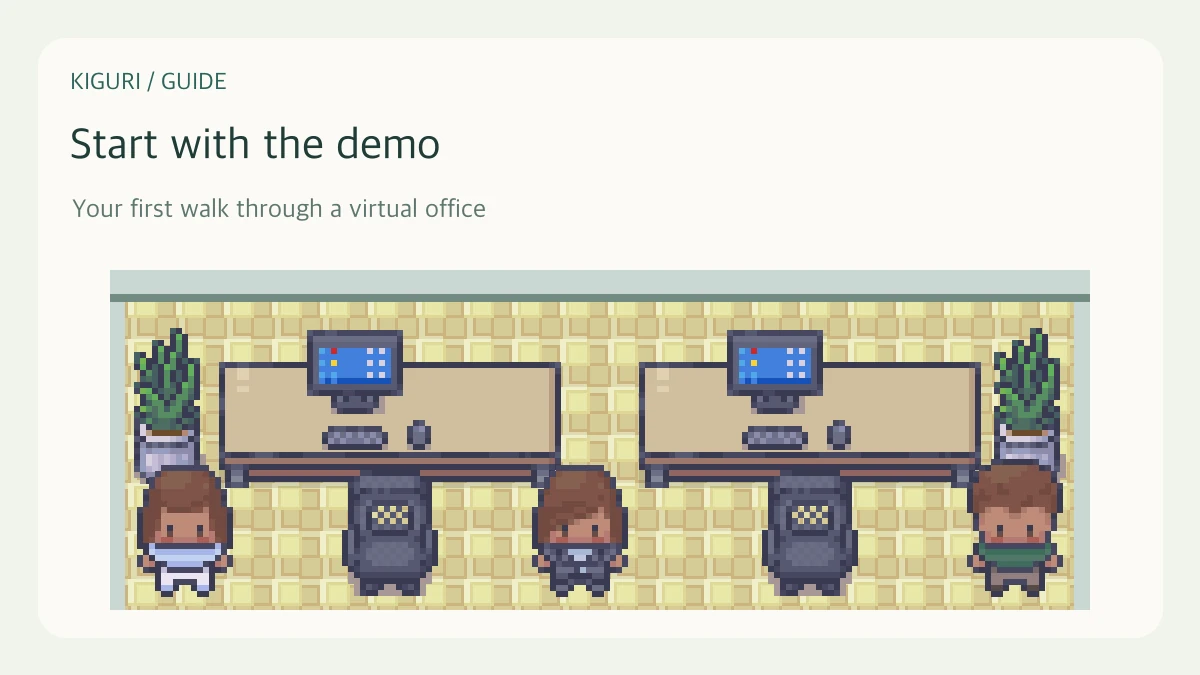
Choose a character and display name, enter the office, and try movement before connecting your camera or microphone.